

If you’ve ever sat in a pipeline review and struggled to explain why deals are stalling, you’re not alone.
Most sales and marketing teams we speak to are juggling data across their CRM, ad platforms, spreadsheets and a handful of point solutions, and none of it quite agrees with the others.
Marketing says a lead came from paid social. Sales says it walked in cold. Finance just wants to know what’s actually going to close this quarter.
Sales pipeline software exists to solve exactly this problem, giving you one place to track prospects from that first marketing touch through qualification, deal progression and close. In this guide, we’ve reviewed the sales pipeline tools we come across most often in customer conversations, so you can build a shortlist that fits how your team actually sells.
We discuss:
- What is sales pipeline software
- How we evaluated sales pipeline tools
- Our choices for sales pipeline software
Pro Tip
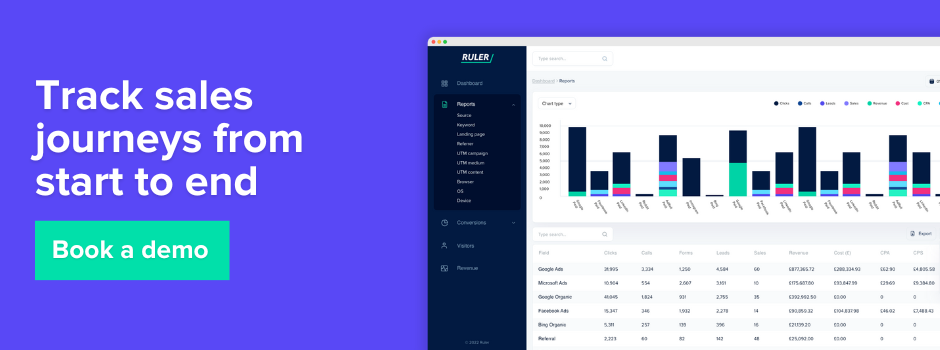
Before you commit to any pipeline tool, it’s worth mapping where your leads actually come from first. Without that visibility, even the best pipeline software is working from incomplete data. Book a demo to see how Ruler connects marketing touchpoints to closed revenue in your own pipeline.
Our definition of sales pipeline software
We’d define sales pipeline software as any platform that helps a business visualise, manage and progress opportunities from first contact through to a won or lost deal. At its core, that usually means a visual pipeline of deal stages, some form of lead and contact management, and reporting that tells you where things are moving and where they’re getting stuck.
The better tools go further than this. They’ll connect to your CRM and marketing platforms, automate the admin around moving a deal forward, and give you forecasting that’s based on real historical conversion rates rather than a rep’s gut feel.
Some, like Ruler, sit slightly to the side of the pipeline itself and focus on making sure the data feeding into it is accurate in the first place, which matters more than most buyers realise until they’ve been burned by a pipeline report that doesn’t match reality.
In our experience, 28% of respondents attribute longer sales cycles to a lack of tools and automation, which is really the crux of why this category exists. Manual pipeline tracking works fine at a handful of deals a month. It falls apart at scale.
How we evaluated these sales pipeline tools
We put together this list based on a mix of hands on product research, publicly available pricing and feature information, and conversations with sales and marketing leaders who use these platforms day to day. We looked at a few things in particular.
- Pipeline visibility. How clearly the tool shows where deals sit, and how easy it is to customise stages to match a real sales process rather than a generic template.
- Lead and opportunity management. Whether the platform makes it simple to capture, qualify and route leads without a lot of manual admin.
- Forecasting and reporting. How much the tool relies on rep input versus actual activity and conversion data.
- Integration and data quality. How well the tool connects to a CRM, marketing platforms and other systems, because a pipeline tool is only as useful as the data going into it.
- Pricing and scalability. Whether the cost structure makes sense for a growing team, not just a five person startup.
Sales pipeline software reviewed for 2026
We’ve verified features and pricing details against each vendor’s own website wherever we could, though pricing in this space changes often, so it’s always worth checking the current rate before you buy.
Ruler Analytics
Ruler isn’t a pipeline management tool in the traditional sense, it’s the layer that makes sure the pipeline and revenue data your sales and marketing teams rely on is actually accurate. We built it because we kept hearing the same thing from customers, that their CRM was full of deals with no clear source, and their ad platforms were all claiming credit for the same conversions.
What we’ve designed it to solve
Ruler tracks calls, form fills, live chat and other conversions with a first party JavaScript tag, then matches those enquiries back to the marketing touchpoints that influenced them and the CRM records they eventually became. A big part of what we’ve focused on is deduplication, so a single enquiry that shows up in your ad platform doesn’t get counted three times and doesn’t distort how a channel’s contribution to pipeline actually looks.
Where we see it work best
Ruler unifies reporting across channels rather than leaving teams to interpret each platform’s own conversion numbers separately, it tends to work best for businesses with a mix of marketing channels feeding a sales team, particularly where a chunk of revenue comes through calls or offline conversations rather than a simple online checkout.
59% of respondents say marketing attribution improves sales and marketing alignment, and that’s usually the outcome we see once a team can finally agree on where a deal came from.
Ruler also feeds offline conversion and revenue signals back to advertising platforms, which helps improve bidding and audience optimisation on the ad platform side. This means teams can optimise campaigns towards the leads and opportunities that actually progress through the pipeline, rather than simply generating more form fills that never turn into revenue.
Our statistical modelling can also measure the influence of that upper funnel activity, the kind that rarely earns a click but still moves a buyer along. If you want to see how this plays out at a budget level, our marketing mix modelling page and our guide to budget allocation with marketing mix modelling go into more detail.
Consider Ruler if
You’re managing a pipeline that spans several marketing channels and a sales team that closes deals over the phone or in meetings as much as online, and you want your pipeline reporting to reflect where deals genuinely came from rather than whichever channel happened to touch them last.
Pricing
Ruler’s pricing is based on your monthly website traffic and the features you need, so it’s worth speaking to the team directly for a quote tailored to your setup.
Pro Tip
Whichever pipeline tool you land on, its reporting will only ever be as good as the data feeding it. If you’re not sure which channels are genuinely driving pipeline, book a demo with Ruler and we’ll show you what your current attribution might be missing.
ActiveCampaign
Where the tool shines
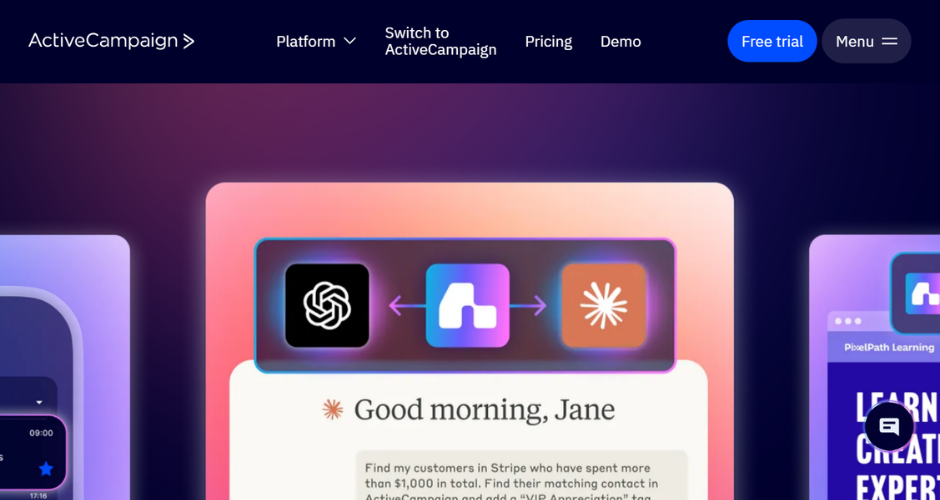
ActiveCampaign built its name in email marketing automation, and that’s still where it’s strongest, but it’s added a genuinely capable CRM and sales pipeline layer on top over the last few years. Deal pipelines are visual and customisable, and because they sit inside the same platform as your email automation, you can trigger sales tasks or notifications based on how a contact behaves on site or in a campaign. For teams that already lean heavily on marketing automation and want their sales pipeline to plug straight into that, it’s a sensible fit.
Where it falls short
The sales pipeline features, while decent, aren’t the primary reason most businesses buy ActiveCampaign, and it shows. Pipeline reporting and forecasting are lighter than dedicated CRM platforms, and the pricing scales quickly with contact volume, so a growing list can push you into a higher tier faster than you’d expect.
Pricing
Plans start at $15 a month on the Starter tier when billed annually, rising through Plus and Pro tiers, with Enterprise pricing available on request. Costs increase with contact volume, so it’s worth checking the current calculator on ActiveCampaign’s site against your own list size.
Close
Where the tool shines
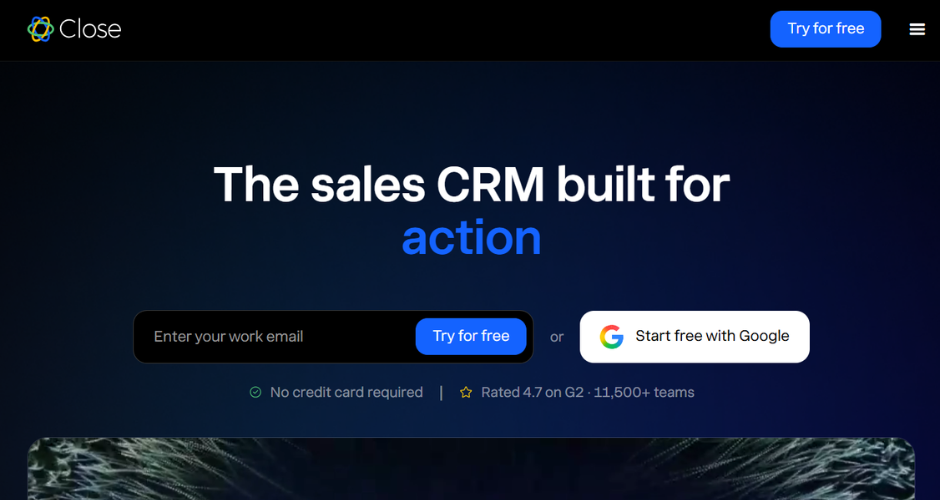
Close is built specifically for small, fast moving sales teams, and it’s one of the few CRMs on this list with calling, SMS and email genuinely built into the platform rather than bolted on. Every conversation gets logged automatically against the right contact, which is a small thing that saves a surprising amount of admin time. Its Power Dialer and Predictive Dialer are popular with SDR teams who spend most of their day on the phone, and users consistently rate its pipeline and forecasting tools highly for a platform at this price point.
Where it falls short
Close is deliberately focused, which means it’s not trying to be an all in one marketing and sales platform. If you need deep marketing automation or complex multi department workflows, you’ll likely need to pair it with other tools.
Pricing
Plans start at $9 per user per month on the Solo tier, moving up through Essentials at $35, Growth at $99 and Scale at $139 per seat, with custom pricing for teams of ten or more.
Engagebay
Where the tool shines
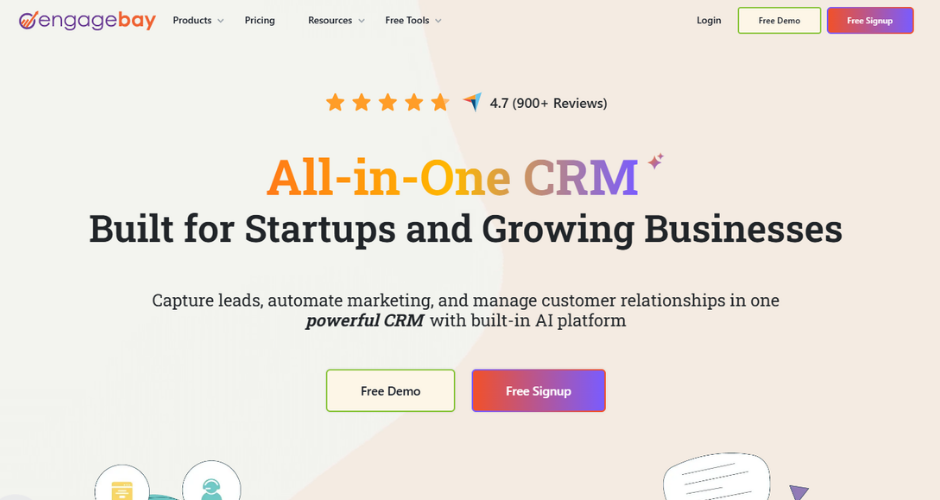
Engagebay positions itself as an affordable all in one option, bundling CRM, sales pipeline management, marketing automation and helpdesk tools into a single platform. For small and medium sized businesses that want one system rather than five, that combination is appealing, and reviewers consistently rate its pipeline and lead management features well relative to its price.
Where it falls short
As with most all in one platforms, individual features tend to be less deep than a specialist tool. Sales pipeline customisation and reporting are solid for a small team but can feel limited once a business scales up its sales process.
Pricing
Engagebay offers a free plan for smaller teams, with paid plans starting from around $14.99 per user per month, rising through mid and premium tiers depending on the features and contact volume you need.
HubSpot Sales Hub
Where the tool shines
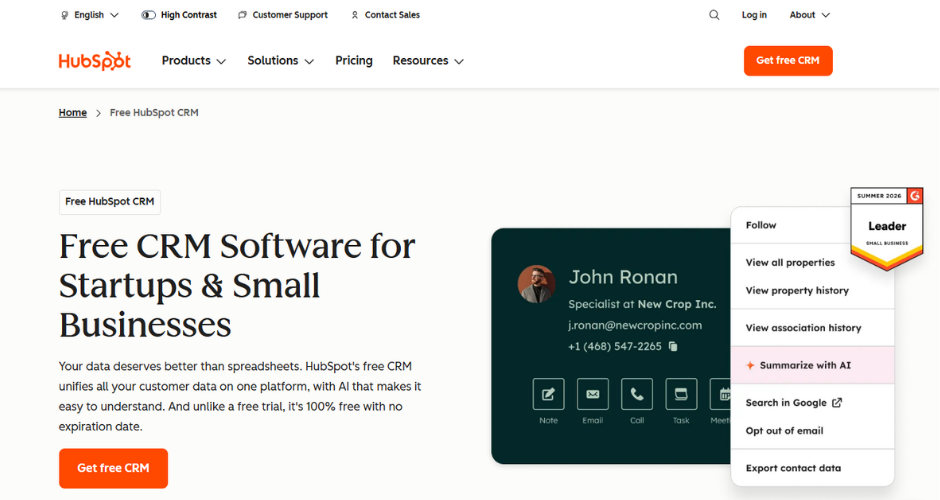
HubSpot’s Sales Hub is probably the most recognisable name on this list, and it earns that recognition. The deal pipeline is highly visual, easy to customise into stages that match a real sales process, and it sits natively alongside HubSpot’s Marketing and Service Hubs, so marketing touchpoints and sales activity live in the same record. AI powered forecasting and prospecting tools have also been a recent focus, and its free CRM tier makes it an easy entry point for smaller teams.
Where it falls short
The free and entry tiers are genuinely useful, but the jump to Professional and Enterprise pricing, where the more advanced automation and reporting sit, is steep. Some users also find the transition of a contact through different lifecycle stages a little clunky compared with a more purpose built sales CRM.
Pricing
There’s a free CRM tier, with paid Sales Hub plans starting around the Starter level and moving through Professional and Enterprise, where pricing rises considerably. It’s worth requesting a current quote based on seat count, since HubSpot’s tiers change what’s included fairly often.
Outreach.io
Where the tool shines
Outreach is a sales engagement platform first and a pipeline tool second, built to help reps run structured, multichannel sequences across email, calls and social touches. Where it earns its place on this list is in opportunity and pipeline visibility once those sequences start converting, with revenue intelligence features that flag stalled deals and buyer engagement signals a rep might otherwise miss. Larger sales organisations, particularly ones running structured outbound motions, tend to get the most from it.
Where it falls short
Outreach is built for mid market and enterprise sales teams, and both the pricing model and the learning curve reflect that. Smaller teams, or those without a dedicated RevOps function to manage the setup, may find it more platform than they need.
Pricing
Outreach doesn’t publish pricing publicly, so you’ll need to contact their sales team for a quote based on team size and the modules you need.
Salesforce Sales Cloud
Where the tool shines
Salesforce remains the default choice for a lot of larger sales organisations, and its pipeline and opportunity management tools reflect years of enterprise refinement. Custom pipeline stages, robust forecasting, and an enormous ecosystem of integrations through AppExchange mean it can be shaped to fit almost any sales process, however complex. Reviewers consistently rate its pipeline management ahead of most competitors on this list.
Where it falls short
That flexibility comes at a cost, both in price and in setup time. Smaller teams often find Salesforce more complex than they need, and getting real value out of it usually requires either an in house admin or an implementation partner.
Pricing
The Starter edition begins at $25 per user per month, with the Pro tier around $100 per user per month, and higher Enterprise and Unlimited tiers available for larger, more complex deployments.
Spotio
Where the tool shines
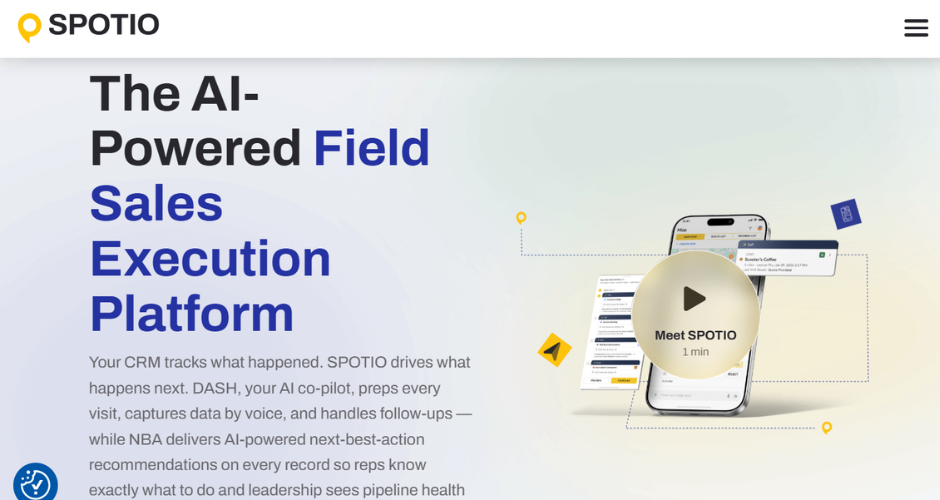
Spotio is built for field sales teams rather than desk based reps, and it shows in the feature set. Territory mapping, route planning and real time location tracking mean managers can see exactly where reps are working and how a pipeline of door to door or in person visits is progressing. For businesses in construction, solar, insurance or any other industry that relies on outside sales, it fills a gap most generalist CRMs don’t cover well.
Where it falls short
If your sales process doesn’t involve a field team, most of Spotio’s core value disappears, and you’d likely get more from a standard CRM. It’s also a platform built to integrate with an existing CRM rather than fully replace one, so most teams will still need a second system for broader pipeline and account management.
Pricing
Spotio doesn’t list pricing publicly, and quotes are provided directly based on team size and the modules required.
Zapier
Where the tool shines
Zapier isn’t a CRM or a pipeline tool in itself, but it’s worth including because so many sales teams use it to stitch their actual pipeline software together with everything else, ad platforms, forms, spreadsheets, Slack notifications and more. If a deal moves to a new stage in your CRM, Zapier can be the thing that fires off a task, updates a spreadsheet or notifies a rep, without anyone needing to build custom integrations.
Where it falls short
It’s an automation layer, not a system of record, so it won’t give you pipeline visualisation or forecasting on its own. Costs can also climb quickly once you’re running a high volume of automated tasks each month.
Pricing
There’s a free plan for light use, with the Starter tier from around $19.99 a month, rising through Professional and Team tiers based on task volume and the complexity of your workflows.
Zixflow
Where the tool shines
Zixflow is a newer, highly customisable CRM that combines pipeline and lead management with built in SMS, email and WhatsApp outreach in one workspace. Reviewers rate it particularly highly for lead management and for how flexible the pipeline views are, with both table and kanban layouts available depending on how a team likes to work. Its pay as you go model for outreach campaigns is a point of difference from most subscription only platforms.
Where it falls short
As a smaller, newer platform, Zixflow has a much shorter track record than the more established names on this list, and some users report a bit of a learning curve when connecting it to certain third party tools.
Pricing
Zixflow doesn’t publish standard pricing tiers, offering custom quotes alongside a pay as you go option for outreach campaigns, so it’s best to get a tailored quote directly from their team.
Ready to see your own pipeline more clearly
Picking a sales pipeline tool is really only half the job. The other half is making sure the data going into it, where a lead came from, what touched it along the way, whether it converted offline or online, is accurate enough to trust when you’re making budget and forecasting decisions.
47% of respondents say marketing attribution enhances understanding of the customer journey and sales cycle, and that understanding is exactly what turns a pipeline report from a nice looking dashboard into something you can actually act on.
If that’s the gap you’re trying to close, we’d love to show you how Ruler fits alongside whichever pipeline tool you choose. Book a demo with our team and we’ll walk through your current setup together.
Sales pipeline software FAQs
Sales pipeline software is a platform that helps businesses track prospects and deals as they move from first contact through to a closed sale. It typically includes a visual pipeline of deal stages, contact and lead management, and reporting on how deals are progressing.
It organises opportunities into stages, tracks the activities and touchpoints associated with each deal, and gives sales leaders visibility into where deals stand, where they’re stalling, and how likely they are to close. Many tools, like Ruler Analytics, also connect to a CRM and marketing platforms to keep that data in one place.
The main benefits are clearer visibility into deal progress, more accurate forecasting, less manual admin around updating deal stages, and better collaboration between sales and marketing when pipeline data is tied back to the touchpoints that generated it.
There isn’t a single best option, it depends on your team size, sales process and budget, which is why we’ve covered a spread of platforms in this guide. Whichever one you choose, the tool is only ever as reliable as the data going into it. We’d always recommend pairing your pipeline software with something like Ruler, so the source and journey behind every deal is accurate rather than assumed.
How much does sales pipeline software cost? Pricing varies widely, from around $9 to $15 per user per month for entry-level tools like Close and ActiveCampaign, to $100 or more for enterprise platforms like Salesforce. Outreach, Spotio and Zixflow offer custom pricing, while Ruler Analytics starts at $299 per month, depending on traffic, tracking requirements and analytics needs.