
A familiar pattern keeps coming up. Campaigns are driving clicks, but when it’s time to explain what that spend actually delivered, the answer gets murky.
Google, Meta, LinkedIn and other platforms each report conversions within their own attribution windows. None of them know what the others are claiming, so adding the numbers together often overstates marketing’s impact.
The customer journey adds another layer of complexity. Buyers rarely convert after a single click. They research, return through different channels and often speak to sales before becoming customers, leaving much of the journey invisible in platform reports.
According to our research, 21% of marketers who use PPC say they struggle to track it properly, and 25% point to generating the right type of lead as their biggest challenge when trying to prove ROI.
This guide is our attempt to make that search less challenging. We’ve grouped the market into the categories that actually matter, pulled together what we and the marketers we talk to look for before shortlisting anything, and reviewed the platforms most likely to come up in your research, verified against what’s publicly available about each one.
💡Pro tip
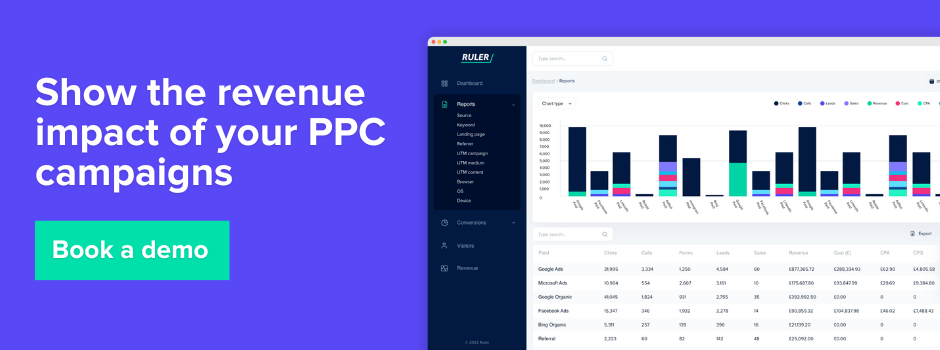
If wasted spend and unclear ROI are the real issue rather than campaign management itself, it’s worth seeing what full-funnel attribution looks like before you commit to another point solution. Book a demo with Ruler and we’ll show you how unified measurement can show where your PPC budget is actually landing.
Our definition of PPC software
When we talk about PPC software, we mean any tool that helps a team plan, run, measure or optimise paid search and paid social campaigns, rather than the ad platforms themselves.
Google Ads and Meta Ads Manager are where the campaigns live. PPC software sits alongside them, either making the day-to-day management faster, pulling performance data into something more digestible, or connecting ad spend to what actually happened after the click, whether that’s a lead, a sale or revenue sitting in a CRM or sales system.
Some teams mainly want fewer hours lost to manual bid adjustments. Others want a single dashboard that doesn’t require five different logins, and a growing number want something that finally answers the question platform-reported conversions can’t, which is what actually happened to a lead once it left the ad and entered the sales process.
Types of PPC tools we often come across
From the conversations we’ve had while researching this space, most tools tend to fall into one of five buckets. A lot of platforms blend two or three of these together, but it’s a useful way to work out what you actually need before you start comparing individual products.
| Category | What it typically does |
| PPC management platforms | Centralise campaign creation, editing and monitoring across Google, Microsoft and Meta, often replacing the need to log into each platform separately |
| Bid management software | Automates or assists with bid adjustments using rules, machine learning or a mix of both, aiming to hit a target CPA, ROAS or budget pace |
| PPC reporting software | Pulls performance data from ad platforms into branded dashboards and reports, saving the manual work of building client or stakeholder updates |
| PPC attribution software | Connects ad clicks through to leads, sales and revenue using first party tracking and revenue data, rather than relying on what the ad platform reports as a conversion |
| AI powered PPC optimisation tools | Uses machine learning to surface recommendations or apply changes automatically, from pausing underperforming keywords to reallocating budget across campaigns |
What we recommend looking for in PPC software
Based on the marketers we’ve spoken with while building this list, a few things tend to separate the tools people stick with from the ones they quietly cancel after a few months.
Coverage of the platforms you actually use. A lot of tools are still built primarily around Google Ads, with Microsoft Ads support bolted on and Meta coverage thinner still. If your media mix leans social, check the platform coverage carefully before you commit.
Clarity over complexity. Several of the tools in this list are genuinely powerful, and a few of them are powerful to the point of being intimidating for a new user. That’s not necessarily a downside, but it’s worth being honest with yourself about how much time your team has to learn a new system before it starts paying for itself.
Pricing that scales the way your accounts do. Some platforms price by monthly ad spend, some by number of connected accounts, and some by flat monthly fee. Each model rewards a different kind of advertiser, so it’s worth mapping your account structure against the pricing tiers before you sign anything, rather than after.
What happens after the click. This is the one that tends to get skipped in the first pass of research, and it’s the one that matters most when budgets come under scrutiny. Most PPC software stops at the click or the platform-reported conversion. Fewer tools follow that lead through to a genuine sale or piece of revenue, which is often exactly the evidence marketing leadership is asking for.
Budget planning, not just budget reporting. It’s one thing to see how last month’s spend performed. It’s another to model what happens if you shift ten thousand pounds from one channel to another next quarter. If you’re regularly having budget conversations with finance, a budget scenario planner that lets you test different spend levels before committing is worth having in your stack, and we’ve written more on how budget allocation and marketing mix modelling work together for teams trying to answer this properly.
PPC software reviewed for 2026
We’ve grouped these roughly by what they’re best known for, though several straddle categories. Ruler sits apart from the rest, since its focus is less on managing PPC campaigns and more on proving what they actually delivered, so we’ve covered it first before moving into the management, bid, audit and reporting tools that make up the rest of the list.
Ruler Analytics
What we’ve designed it to solve
Ruler connects clicks, calls, form fills and live chat conversations back to the conversions, sales and revenue they actually produced, using first party tracking rather than leaning on whatever each ad platform reports as a conversion. For teams who can see plenty of activity in Google Ads but struggle to say with confidence which campaigns are actually driving revenue, that’s the gap Ruler is trying to close.
Underneath that, Ruler runs multi touch attribution across models including first click, last click, linear, position based, time decay and data driven, so you can compare how the same customer journey looks depending on which model you trust.
Its data driven attribution model layers in marketing mix modelling derived impression weightings too, which shifts some of the credit away from over-attributed channels like direct and brand search and towards the upper funnel activity, such as display, CTV or podcast advertising, that quietly influenced the decision without ever earning a click.
For businesses spending across offline channels as well as digital, Ruler’s marketing mix modelling accounts for seasonality, competitor activity, economic conditions and diminishing returns across several variables at once, and its budget scenario planner lets you model efficiency, growth or custom spend scenarios before you actually move any money.
Where we see it work best
Ruler tends to land hardest with B2B and considered-purchase businesses where the sales cycle stretches across weeks or months, where a meaningful share of conversions happen over the phone or through a sales team rather than a simple checkout, and where marketing leadership is regularly asked to justify budget with revenue figures rather than click or lead counts alone.
Consider Ruler if
You’re confident in your PPC campaign execution but less confident in what you can say about its downstream impact, particularly if offline conversions or a long consideration window are part of the picture.
It’s also worth considering if you’re already using four or five different tools to piece together a complete view of performance. Ruler’s integrations bring marketing and conversion data into one place, enrich it with attribution insights, and send conversion and revenue data back to advertising platforms to improve reporting and bidding.
Pricing
Pricing starts at $199/month for businesses with up to 50,000 monthly visits, increases to $649/month for mid-sized companies, and $1,149/month for larger organisations. Businesses with more than 200,000 monthly visits can request custom pricing, while annual plans include discounts of up to 10%. Book a demo to get a quote tailored to your setup.
Google Ads Editor
Where the tool shines
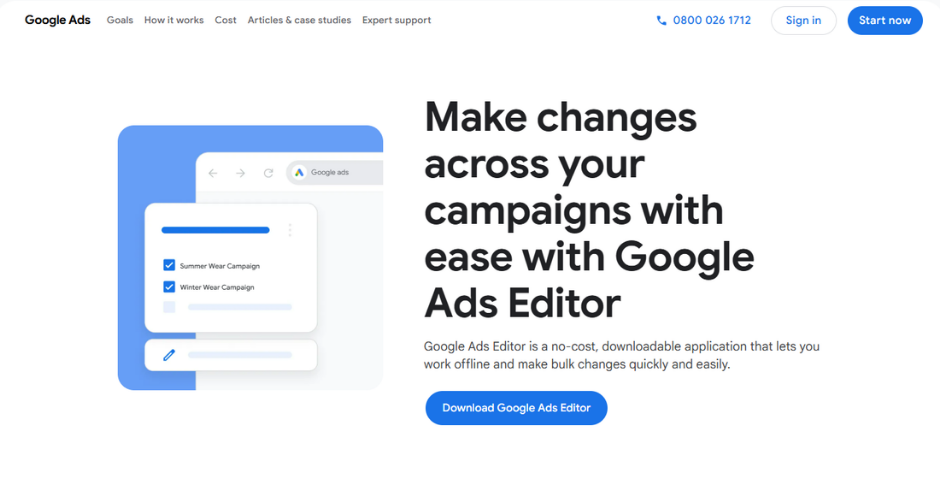
Google Ads Editor is Google’s own free desktop application for managing campaigns in bulk, and it remains one of the most reliable ways to make sweeping changes offline before pushing them live. You download a snapshot of your account, make changes locally using find and replace, bulk import or drag and drop, then review everything as a set before uploading it in one go.
For anyone restructuring large accounts or rolling out ad copy changes across dozens of ad groups, that offline review step catches errors before they ever touch a live campaign. Recent versions have added support for Performance Max video limits, portrait creative, total campaign budgets for flighted promotions and bulk URL fixes through its Link Check find and replace tool.
Where it falls short
Editor is a structural and editing tool, not an analytics platform. It won’t help with conversion tracking, cost per lead trends or optimisation decisions based on historical performance, and Performance Max support remains partial compared with the full web interface. It’s also worth knowing that Google is progressively upgrading legacy campaign types such as Dynamic Search Ads to AI Max from later this year, which will affect how some campaigns built in Editor behave going forward.
Pricing
Free.
Optmyzr
Where the tool shines
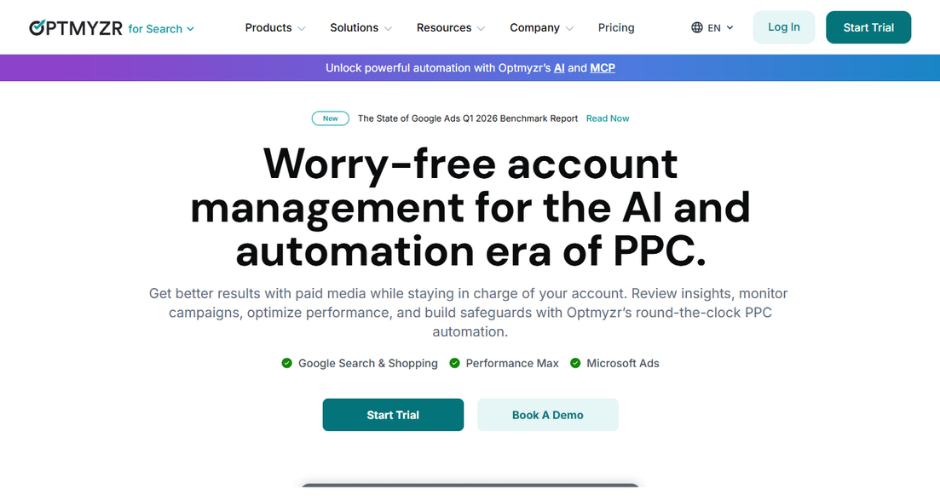
Optmyzr is built around its Rule Engine, which lets PPC managers set up multi-layered automation logic that goes beyond what Google Ads offers natively, from bid adjustments tied to inventory levels through to budget reallocation across accounts. It covers Google Ads most comprehensively, with reasonable support for Microsoft Ads and lighter coverage of Amazon Advertising, and its reporting suite, including tools like PPC Investigator and Shopping analysis reports, is frequently cited by agency users as one of the strongest reasons to keep paying for it.
Where it falls short
Optmyzr assumes a reasonable level of existing PPC expertise. It surfaces recommendations and automation levers rather than making strategic account decisions for you, and several reviewers note a real learning curve before the platform starts paying for itself in time saved, alongside report customisation that feels more limited than dedicated reporting tools once you get into client-facing presentation.
Pricing
Plans start from around $209 to $249 per month depending on ad spend and account count, scaling up through Standard, Professional and Agency tiers for larger teams.
Marin Software
Where the tool shines
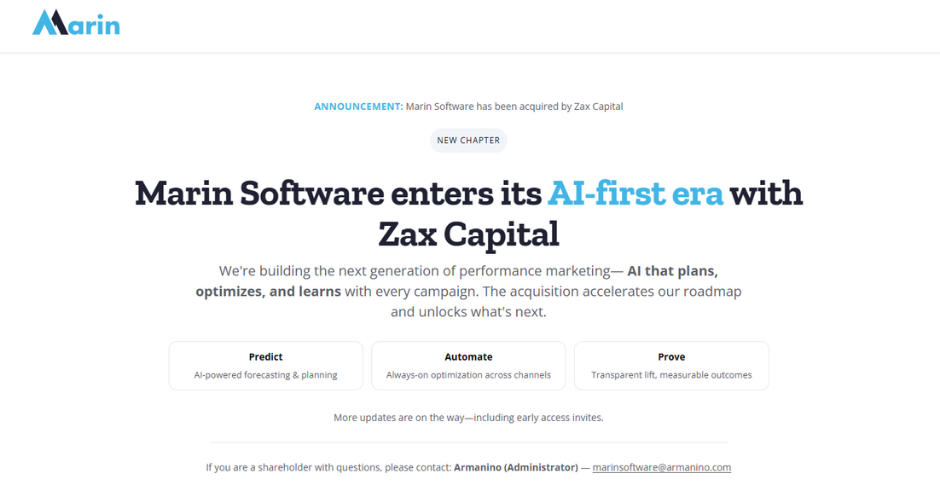
Marin Software is an enterprise cross-channel platform built to unify search, social and ecommerce advertising, ingesting online and offline conversion data from CRMs and other business systems alongside ad platform data. Its dimensions feature lets teams apply company-specific values into tracking URLs for offline reporting, and its bidding is transparent down to keyword level, which several long-term users cite as a meaningful advantage over more opaque automated bidding elsewhere.
Where it falls short
Reviewers consistently flag rigid, US-style contract terms that can be difficult for European businesses to negotiate around, along with a newer MarinOne interface that some long-standing customers describe as less intuitive than the platform it replaced. It’s also priced firmly at the enterprise end, which puts it out of reach for smaller in-house teams.
Pricing
Tiered from around $500 per month for the Connect plan up to $2,000 per month for the full One platform, with custom enterprise pricing available.
Adalysis
Where the tool shines
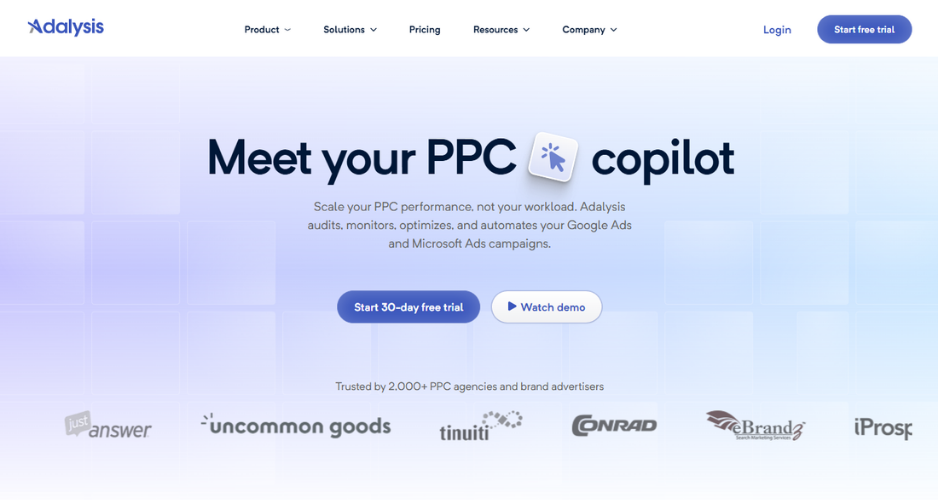
Adalysis runs more than 100 automated diagnostic checks daily across quality score, landing pages, bids, budgets and display placements, turning what used to be a manual account audit into something that happens continuously in the background. Its ad testing feature is fully automated too, running always-on experiments without needing manual setup, and its budget management tools let teams set alerts and auto-pause campaigns as they approach spend limits.
Where it falls short
Adalysis only supports Google Ads and Microsoft Ads, so teams running meaningful spend on Meta or other platforms will need something else alongside it. Reviewers also mention that data updates roughly every 24 hours rather than in real time, which can be a minor frustration for teams used to checking same-day performance.
Pricing
Plans start from around $149 per month based on maximum monthly ad spend, with discounts available on six-month and annual terms.
TrueClicks
Where the tool shines
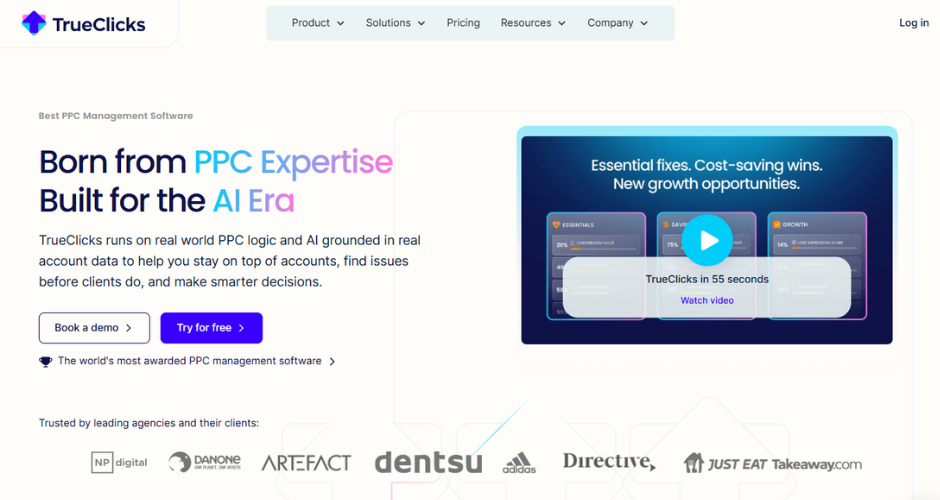
TrueClicks positions itself specifically as an auditing and monitoring layer rather than a full campaign management suite, running more than 200 structural checks and giving agencies a sortable, portfolio-wide health score across every connected account. Its budget pacing dashboard is regularly cited as the standout feature, giving teams a single morning view of how every client account is spending against target without logging into each one individually.
Where it falls short
TrueClicks won’t run your bids or pace your budgets automatically. It tells you what’s wrong and lets you act on it, which means it’s best paired with a separate automation tool if your bid management currently lives somewhere else. Coverage is also narrower than some alternatives, focused mainly on Google Ads with lighter Microsoft Ads support and no Meta or LinkedIn coverage.
Pricing
Free for accounts spending under $50,000 a month, with paid plans from around $149 per month for larger portfolios.
WordStream
Where the tool shines
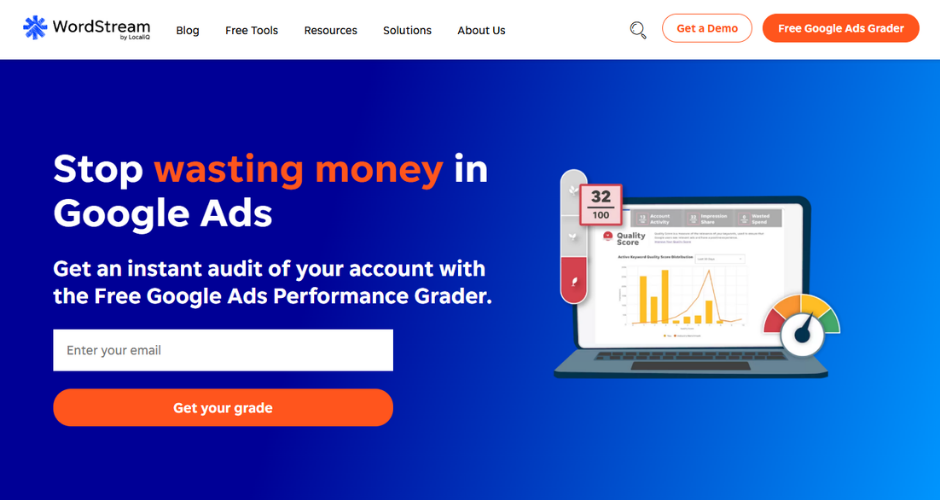
WordStream is best known for its free Google Ads Performance Grader, which has audited campaigns representing billions in collective ad spend and remains a genuinely useful one-time diagnostic covering wasted spend, quality score distribution and click-through rate benchmarks. Its paid Advisor product adds the “20 Minute Work Week” workflow, designed to keep smaller accounts optimised with a short, guided weekly session rather than constant manual monitoring.
Where it falls short
WordStream is a recommendation engine rather than an execution tool, meaning a human still has to review and implement every suggestion, and since being folded into the LocaliQ family of products, the standalone software has become harder to purchase independently of broader managed services conversations. It’s best suited to smaller accounts and beginners rather than agencies managing complex, multi-account portfolios.
Pricing
The Performance Grader is free. Paid plans start from around $49 per month, with managed service tiers running considerably higher based on ad spend.
Acquisio
Where the tool shines
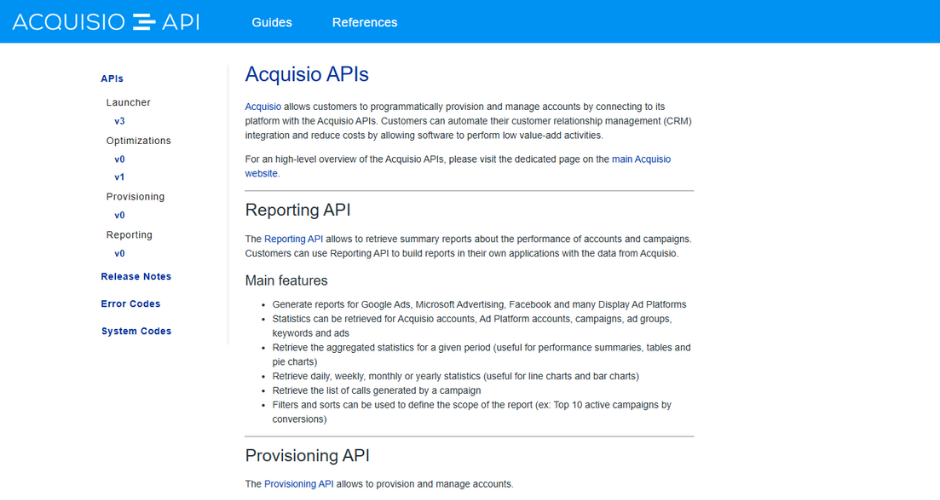
Acquisio uses machine learning across its Bid and Budget Management feature to manage spend and bidding across Google, Microsoft and Meta from a single dashboard, and its budget distribution tools automatically move spend between campaign groups to keep accounts pacing correctly. Reviewers particularly highlight the KPI dashboard, which lets teams set performance targets and see live progress against them without pulling separate reports.
Where it falls short
Several long-term users describe the platform as less intuitive than logging directly into individual ad platforms, with a real learning curve around how its automated bidding actually behaves. It’s positioned firmly at the agency and enterprise end of the market too, which puts it out of easy reach for smaller advertisers.
Pricing
Plans typically start from around $199 to $375 per month depending on features and ad spend, with enterprise pricing available for larger portfolios.
Adzooma
Where the tool shines
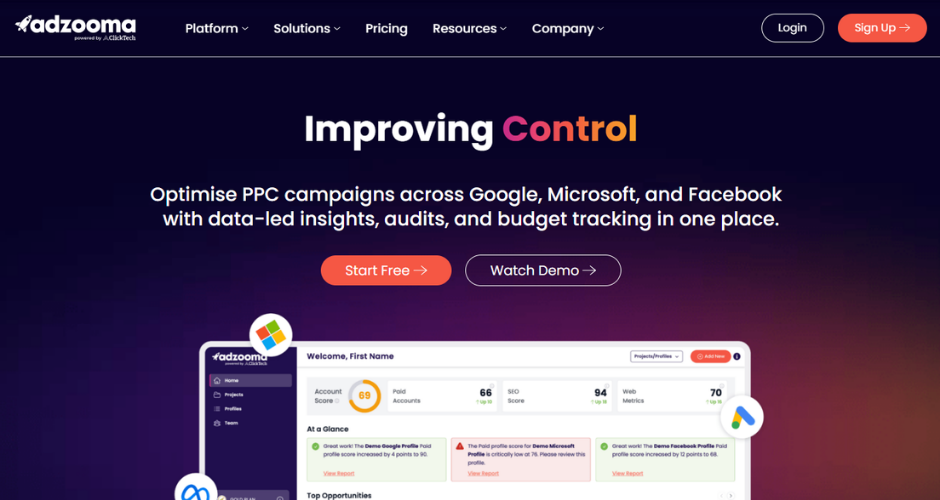
Adzooma offers genuinely useful campaign auditing and one-click optimisation across Google, Microsoft and Meta Ads completely free, no card required, scoring accounts against more than 240 metrics and surfacing opportunities as simple actions a user can apply directly. For freelancers and small businesses just getting into paid media, that free tier is a rare thing in this category.
Where it falls short
More experienced PPC managers tend to find the suggestions basic once accounts grow more complex, and Performance Max support in particular lags behind what’s available natively in Google Ads. Paid tiers unlock more frequent reporting and unlimited profiles, but the optimisation depth doesn’t scale up dramatically alongside the price.
Pricing
Free tier available. Paid plans run from around £49 to £139 per month (Silver and Gold).
Opteo
Where the tool shines
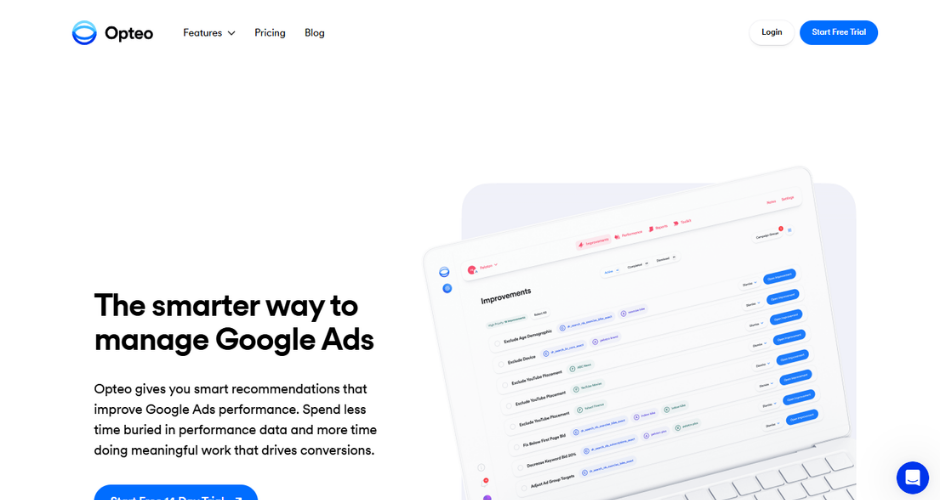
Opteo is built around a clean, low-friction interface that surfaces prioritised recommendations with the data and reasoning behind each one, which can be applied to a live Google Ads account in a single click. It covers more than 40 types of optimisation across keywords, bids, ad copy and Shopping campaigns, and reviewers consistently rate it as one of the easiest tools in this list for a new team member to pick up within minutes rather than days.
Where it falls short
Opteo is Google Ads only, so any team running meaningful Meta or LinkedIn spend will need a separate tool for those platforms. Some reviewers also note that a fair amount of what Opteo surfaces is technically available for free within Google Ads itself, meaning the value is really in the time saved and the clarity of presentation rather than access to entirely new data.
Pricing
Plans start from around $99 to $129 per month, scaling up through Professional, Agency and Enterprise tiers based on connected ad spend.
Semrush Advertising Toolkit
Where the tool shines
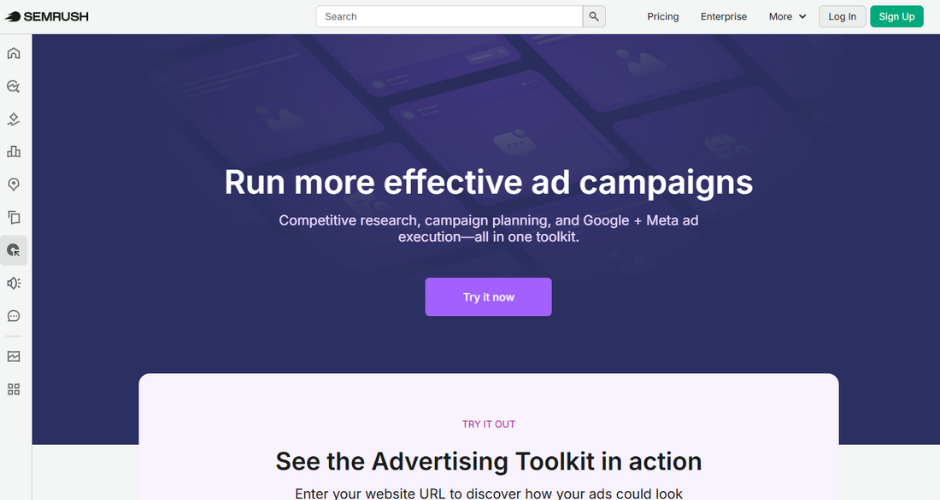
Semrush’s Advertising Toolkit is strongest at competitive research, letting teams see which keywords rivals are bidding on, review historical ad copy and identify keyword gaps where competitors are advertising and you’re not. Its PPC Keyword Tool organises discovered terms into single keyword ad groups automatically, which can meaningfully improve quality scores and reduce wasted spend across fragmented ad groups, and its Ads Launch Assistant uses AI to help generate and launch campaign copy directly to Google or Meta.
Where it falls short
The Advertising Toolkit requires an existing Semrush subscription rather than working as a standalone product, and its competitive intelligence depth thins out noticeably for platforms outside the Google and Meta duopoly, with limited data for Bing Ads, TikTok or programmatic display outside its AdClarity add-on.
Pricing
The Base plan runs around $99 per month, with the Pro plan at around $220 per month adding AdClarity competitor intelligence.
SpyFu
Where the tool shines
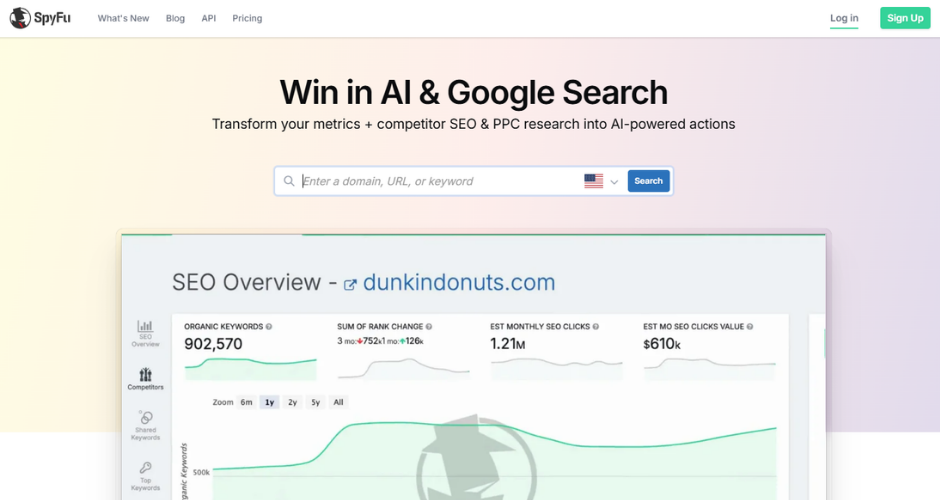
SpyFu is built around one of the longest running Google Ads history archives in the industry, letting advertisers see every keyword a competitor has bid on, their estimated spend and, notably, their full ad testing history, including which headlines and descriptions they kept running versus which ones they quietly dropped. For teams doing competitive research before launching or refreshing a campaign, that longitudinal view is hard to replicate elsewhere at the price.
Where it falls short
SpyFu is a research tool rather than a management platform, so there’s no execution layer once you’ve found the opportunity. Its coverage is also strongest in US and UK markets, and its broader SEO features, including backlink data, are noticeably thinner than dedicated SEO platforms.
Pricing
Plans start from around $29 to $39 per month on the Basic tier, rising to around $119 for Pro plus AI features and up to $187 to $249 per month for Team plans.
NinjaCat
Where the tool shines
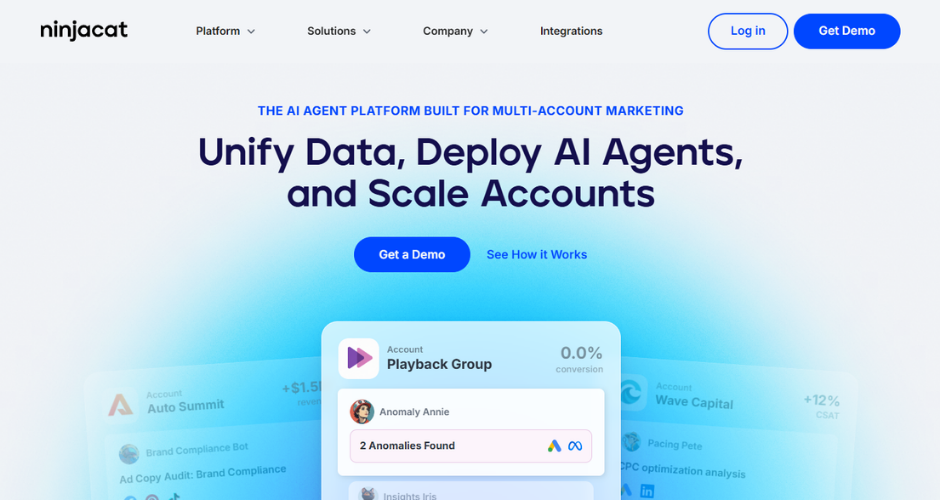
NinjaCat is built for agencies and enterprise marketing teams juggling large numbers of client accounts, connecting to more than 150 marketing data sources and normalising everything into a single managed data warehouse. Its campaign monitoring tools track budgets and KPIs with real-time alerts, and its call tracking integrations tie phone conversions back into reporting alongside standard PPC metrics, which several agency reviewers say has meaningfully simplified client-facing reporting.
Where it falls short
Onboarding is reported as genuinely time-intensive, with some users describing multiple training sessions required before the platform is fully set up, and the sheer breadth of features can feel overwhelming for smaller teams who only need a fraction of what’s on offer.
Pricing
Custom pricing based on data sources and account volume. Contact NinjaCat directly for a quote.
Swydo
Where the tool shines
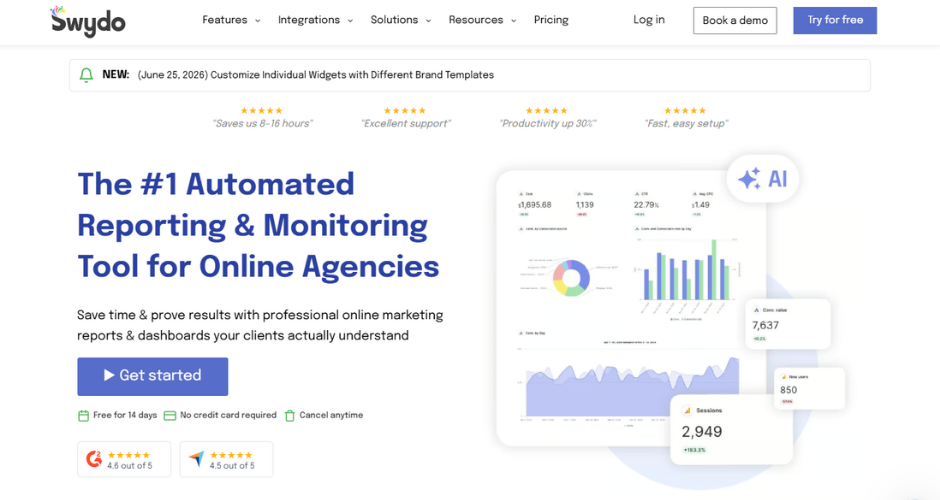
Swydo focuses squarely on making client reporting fast to set up and pleasant to look at, with more than 34 integrations, unlimited users on every plan, and templated reports for Google Ads and Meta Ads that typically need little adjustment out of the box. For small to mid-sized agencies with consistent client setups, several reviewers describe it as the easiest reporting tool they’ve used to template once and reuse repeatedly.
Where it falls short
Pricing is based on connected data sources rather than clients or users, and that structure catches a lot of agencies out as they scale, since every individual Google Ads account, Meta profile or GA4 property counts separately towards the total. What looks like an affordable starting price on paper can climb quickly once an agency is managing accounts across several platforms for even a modest number of clients.
Pricing
From around $69 per month for 10 data sources, with additional sources billed incrementally as usage grows.
Getting the most from whatever PPC tool you choose
No single tool on this list does everything, because most PPC stacks are built from two or three tools working together rather than one platform trying to be all things.
What we’d say from the conversations we’ve had while researching this piece is that it’s worth being honest early on about which problem you’re actually trying to solve.
If it’s campaign management efficiency, look at the management and bid tools first. If it’s proving what your PPC spend actually delivered once the ad platforms have had their say, that’s a different conversation entirely, and it’s one we’d be glad to have with you.
If budget justification and unclear attribution are the recurring headache, rather than campaign execution itself, it’s worth seeing how Ruler connects your PPC spend through to real revenue before you add yet another point solution to the stack.
Book a demo and we’ll walk you through what that looks like against your own data.