
If you’ve ever sat in a pipeline review and watched two dashboards disagree with each other, you already know why sales tracking has become such a challenge. Marketing says one thing converted, and sales says something else closed the deal.
From the leads we’ve tracked and verified against industry research, 59% of respondents say marketing attribution improves alignment between sales and marketing, which tracks with what we hear in conversations with marketers, who increasingly want their tools to do more than log activity; they want to know why a sale actually happened.
We’ve pulled together 11 sales tracking tools and software platforms worth knowing about in 2026, from dedicated CRMs to attribution and customer data platforms, and looked at where each one genuinely earns its place in a sales tech stack, and where it doesn’t.
💡 Pro Tip
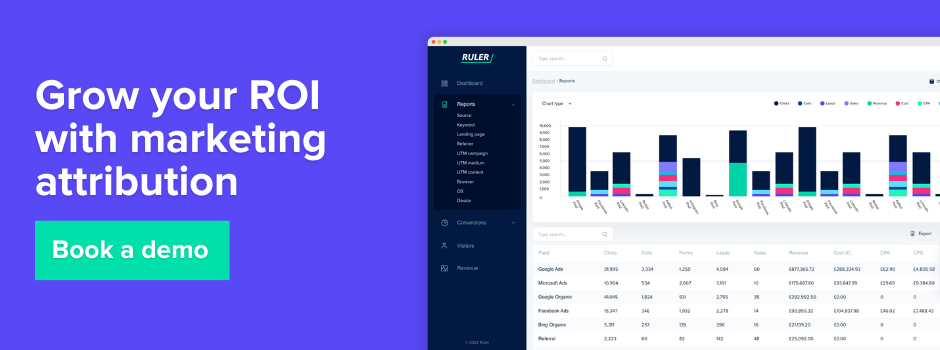
If proving which marketing activity actually drives revenue is the gap you’re trying to close, Ruler Analytics connects your conversions, sales and offline conversions back to the campaigns that influenced them. Book a demo to see it working with your own data.
Our definition of sales tracking tools
A sales tracking tool, in our view, is any platform that helps a business monitor, record or analyse activity across the sales process, from the moment a lead enters the funnel through to the moment a deal closes (and sometimes beyond, into renewal or expansion). That’s a wide net on purpose, because in practice, businesses use very different types of software to get there.
For some teams, a sales tracking tool is a CRM, somewhere to log deals, contacts and pipeline stages. For others, it’s a sales activity tracking platform that monitors calls, emails and follow-ups. And for marketing leaders specifically, it’s increasingly an attribution or analytics platform that connects marketing spend to actual revenue, not just conversion volume.
We’ve included all three categories in this list, because from our discussions with marketers and verified against reviews, most growing businesses end up using more than one type of sales tracking software, often without realising they’re solving overlapping problems with separate tools.
What we recommend to look for in sales tracking tools
Before you shortlist anything, it’s worth being honest about what you’re actually trying to fix. A sales pipeline tracking problem and a revenue attribution problem look similar on the surface but need very different tools to solve. Based on the conversations we’ve had with marketing and sales leaders, here’s what we’d suggest prioritising.
- Visibility into the full customer journey, not just the last touchpoint. Few customers make important purchasing decisions in a single session. They research across multiple channels, compare options, read reviews, ask for recommendations, engage with ads, and often convert in ways that leave little or no digital trace. A tool that only shows you the final click before conversion will systematically undervalue the channels and activities that actually built the pipeline.
Related: Why last click attibution falls short in modern measurement
- A clear connection between marketing activity and closed revenue. 31% of respondents say the primary goal of their marketing campaigns is to increase sales, yet plenty of sales tracking software still stops at lead volume or MQL counts. If your tool can’t tell you which campaigns, channels or reps are actually driving revenue, you’re making spend decisions on incomplete information.
- Support for offline and untracked conversions. Many of the highest-value sales don’t happen through a simple online checkout. Customers call your sales team, reply to an email, visit a showroom, speak to a representative at an event, or complete their purchase through another offline channel. If those conversions aren’t connected back to the marketing that influenced them, your reporting will look disconnected from reality, no matter how good the tool’s dashboards look.
Related: How to integrate offline data into your digital strategy & targeting
- Pipeline and activity tracking that your sales team will actually use. A tool with every feature imaginable is worthless if reps won’t log into it. 32% of respondents report that poor sales and marketing alignment extends the sales process, and a clunky CRM or sales platform that creates more admin than insight tends to make that worse, not better.
- Realistic handling of long sales cycles. 52% say their sales cycle typically lasts up to three months, and 46% point to unqualified leads in the pipeline as a factor that extends it further. Look for tools that can track engagement over weeks or months, not just the moment of first contact.
- Integration with your existing CRM and ad platforms. Sales tracking software that sits in isolation creates yet another spreadsheet exercise at month end. The better tools sync data in both directions, enriching your CRM and feeding insights back to your ad platforms.
Sales tracking tools reviewed
We’ve put together this list of sales tracking tools using our own experience, feedback from marketers we’ve spoken to, and insights gathered from trusted online reviews.
Ruler Analytics
What we’ve designed it to solve
Most sales tracking software tells you what happened inside the CRM. Ruler Analytics was built to solve a different problem, connecting everything that happens before a lead ever reaches the CRM or sales system back to the revenue it eventually generates.
It’s a first-party multi-touch attribution and revenue measurement layer that sits across your marketing, your website and your sales data.
Ruler tracks calls, form submissions, live chat enquiries and other key conversions using a first-party JavaScript tag that follows the full customer journey from first visit through to revenue. Because it’s first-party, it isn’t degraded by the same privacy changes that have hit third-party cookie tracking, which matters a lot given how many platforms are now reporting conversions that simply don’t add up to your actual sales.
Where Ruler genuinely stands apart is multi-touch attribution. You can compare first click, last click, linear, position-based, time decay and data-driven models side by side, with enquiries and sales matched to CRM records and enriched with full customer journey data. That means you’re reporting on revenue attribution rather than lead or conversion volume, with ROAS available down to keyword level.
The data-driven attribution model goes a step further by combining click-path data with marketing-mix-modelling-derived impression weightings, which shifts credit away from over-attributed channels like direct and brand search and towards upper-funnel activity, things like CTV, display, video and out-of-home, that influenced the decision but never earned a click. For businesses investing in awareness channels, that reweighting alone can change how a budget conversation goes.
Ruler also runs full marketing mix modelling, accounting for seasonality, competitor activity, economic conditions and diminishing returns across more than 30 variables, alongside a budget scenario planner that shows where each channel is approaching saturation. Rather than guessing where the next pound (or dollar) of spend should go, you can model efficiency, growth or custom scenarios before committing.
Where we see it work best:
B2B and high-consideration B2C businesses with longer sales cycles, multiple marketing channels and a sales team that takes calls or handles offline conversions. It’s particularly strong for marketing leaders and commercial teams who are challenged by platform-reported metrics not matching actual closed revenue.
Consider Ruler if
You need to prove marketing’s impact on revenue rather than lead volume, you’re investing in upper-funnel or offline channels that current attribution undervalues, or you’re spending real budget on paid media and need confidence that it’s allocated correctly.
Pricing
Starts at £199/month for small businesses (up to 50,000 monthly visits), scales to £649/month for mid-market and £1,149/month for enterprise. Custom pricing for 200,000+ monthly visits.
Pro Tip: Book a demo with Ruler to see how it connects your sales and revenue back to marketing activity.
Bitrix24
Where the tool shines
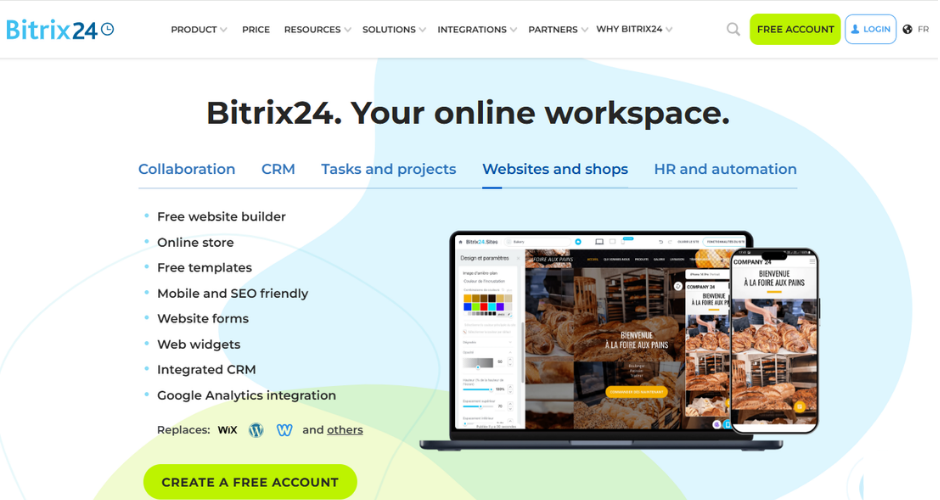
Bitrix24‘s biggest selling point is breadth at a flat price. Instead of per-user fees, you get a fixed monthly cost covering CRM, time tracking, tasks and projects, video calls, a website builder and analytics, which makes it genuinely good value for teams that have outgrown spreadsheets but don’t want to pay per seat as headcount grows.
Sales tracking happens through customisable pipelines, web forms and rich contact profiles, and reviewers consistently mention that the platform consolidates fragmented tools (scattered communication, inconsistent lead tracking) into one place, which improves sales visibility and accountability.
Where it falls short
Multiple reviewers describe a steep onboarding curve, especially for teams without prior CRM experience, and the interface can feel crowded once you start using more than the basics. Reporting and email automation tied to specific lead stages are also more limited than dedicated marketing platforms, so teams with complex nurture needs often end up pairing Bitrix24 with something else.
Consider Bitrix24 if
You want CRM, project management and team communication under one roof without per-user costs piling up as you scale, and you’re prepared to invest some setup time upfront.
Pricing
Plans vary by source, but Bitrix24 generally starts free for small teams, with paid tiers from around $49 to $61 a month scaling up toward $400+ for larger organisations, all billed per organisation rather than per user.
EngageBay
Where the tool shines
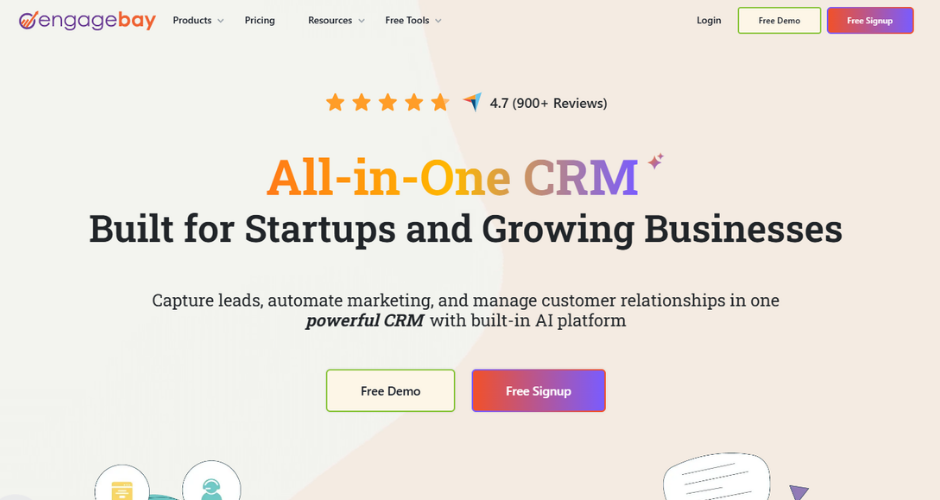
EngageBay‘s pitch is “HubSpot-style power without HubSpot-level pricing,” and for small teams that’s a fair description. The CRM and Sales Bay module covers deal tracking, contact management and pipeline visibility in a clean, Kanban-style board that reviewers say is quick to set up; one hands-on review built a seven-stage B2B pipeline in under five minutes. A nice touch is that EngageBay flags leads that have sat untouched for too long, which is a small but genuinely useful accountability feature that’s often missing at this price point.
Where it falls short
Reporting and analytics are consistently flagged as a weak point, with several reviewers noting it’s difficult to drill into the data or build advanced custom reports. Email deliverability and daily sending limits have also come up as frustrations for teams running heavier campaigns, and the discounted pricing tends to require a biennial commitment rather than the more standard annual terms.
Consider EngageBay if
You’re a small business or startup that wants marketing, sales and support tools bundled together at an affordable price, and you don’t need deep custom reporting.
Pricing
EngageBay’s CRM & Sales Bay starts around $11 per user per month, with a free tier available for very small teams and higher tiers moving up toward $80 per user per month for more advanced features.
Freshsales

Where the tool shines
Freshsales (part of the Freshworks Freshsales Suite) is built specifically for sales teams, with built-in calling, email and chat that auto-log to the contact record, plus Freddy AI for lead scoring and deal insights. The Kanban-style deal board makes pipeline tracking visual and fast, and a duplicate detector that catches near-exact matches during import is one of those features that quietly saves a lot of CRM hygiene headaches later. It’s a genuinely affordable entry point for teams that need workflow automation without paying HubSpot-level prices.
Where it falls short
The advertised entry price doesn’t tell the whole story. Several of the features small teams actually need, things like multiple pipelines, duplicate management and email sequences, sit behind the Pro tier, which represents a significant jump from the Growth plan. Freshsales is also primarily a sales tool rather than a marketing one, so businesses wanting built-in email marketing or campaign automation typically need to add the separate Freshmarketer product.
Consider Freshsales if
Your team’s core problem is “we have leads but can’t track them” and you want a CRM with strong built-in calling, without needing deep marketing automation in the same platform.
Pricing
Freshsales starts at roughly $9 to $11 per user per month for the Growth plan (billed annually), rising to around $39 for Pro and $59 for Enterprise, with a limited free plan for up to three users.
HubSpot
Where the tool shines
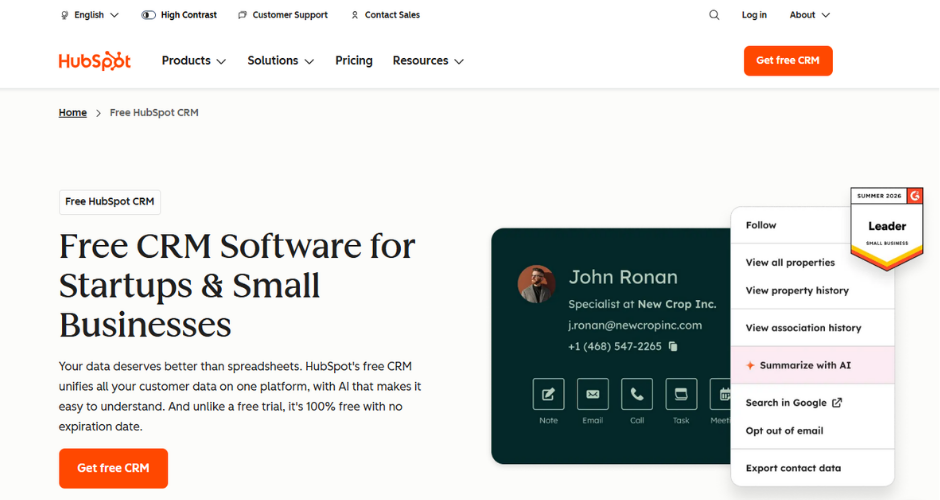
HubSpot‘s Sales Hub remains one of the most recognised names in sales tracking software, and for good reason. The free CRM tier gives small teams genuine pipeline tracking and contact management without any cost, and the platform’s deeper tiers add sequences, forecasting, custom reporting and AI tools across the wider HubSpot ecosystem (marketing, service, content). For businesses that want sales tracking to eventually sit alongside marketing automation, the connected data across Hubs is a real advantage, with HubSpot reporting that 84% of customers see increased revenue using Sales Hub.
Where it falls short
Cost is the recurring theme in reviews. Moving from Starter to Professional represents a steep jump, both in per-seat pricing and in the mandatory one-time onboarding fees ($1,500 for Professional, $3,500 for Enterprise), and several genuinely useful features, like email sequences and workflow automation, are locked out of the free and Starter tiers entirely. Quoting and CPQ functionality also isn’t included at any tier and needs a separate paid add-on, which catches some buyers out.
Consider HubSpot if
You want a single platform that can eventually expand into marketing, service and content alongside sales, and you’re comfortable budgeting for onboarding and tier upgrades as your needs grow.
Pricing
Sales Hub runs free for a basic CRM, with Starter from around $15 to $20 per seat per month, Professional from roughly $90 to $100 per seat (plus a $1,500 onboarding fee), and Enterprise from around $150 per seat (plus a $3,500 onboarding fee).
Nutshell
Where the tool shines
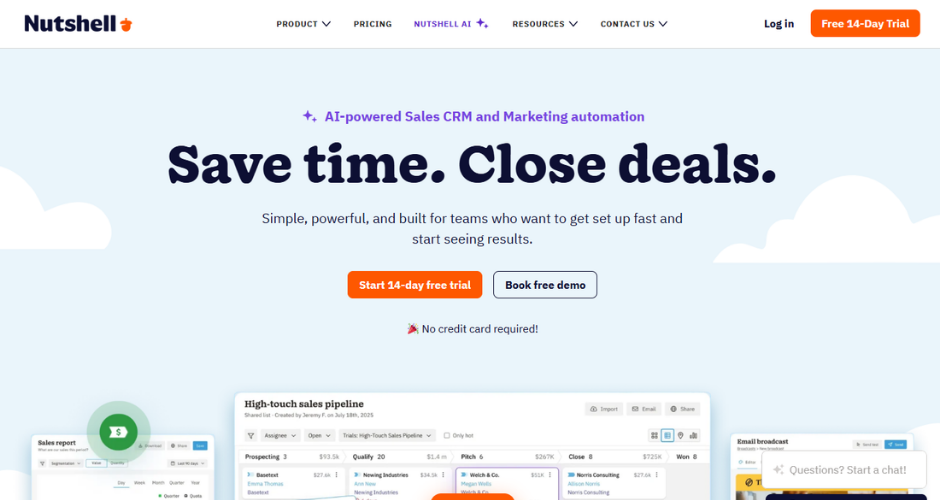
Nutshell is consistently praised for being a CRM that’s easy to actually use, which sounds like faint praise until you’ve sat through a CRM rollout that nobody adopted. Reviewers regularly cite a short learning curve, with one review noting a working sales process configured in under 20 minutes during testing. Every plan includes unlimited contacts and storage, free live support, and AI features for transcription and timeline summarisation, which is rare at this price point. It’s particularly well suited to B2B teams with long-term account relationships and repeat business.
Where it falls short
Reporting depth and customisation are the consistent weak spots, especially compared to Salesforce or HubSpot, and there’s no cross-object reporting for more complex analysis. API access is also locked behind the top Enterprise tier, with no lower-cost workaround, which can be a real blocker for businesses with custom integration needs.
Consider Nutshell if
Your sales team has historically resisted using a CRM, and you want something with a genuinely short onboarding time and solid support, even if that means trading away some reporting depth.
Pricing
Nutshell starts around $13 per user per month for the Foundation plan, with Pro around $42, Business around $59 and Enterprise around $79 per user per month, all billed annually.
Pipedrive
Where the tool shines
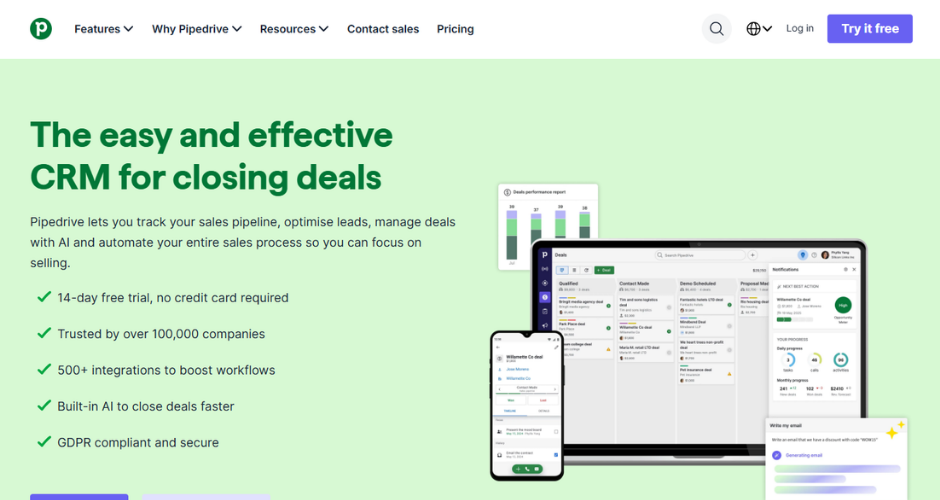
Pipedrive was built by salespeople, and it shows. The visual, drag-and-drop pipeline is widely regarded as one of the best in the category for activity-based selling, and the platform includes an AI sales assistant, deal scoring and a genuinely large integration marketplace with 500-plus connections. For teams whose main pain point is “we need clear pipeline visibility and we need our reps to actually use the tool,” Pipedrive tends to deliver quickly.
Where it falls short
There’s no permanent free plan, and the entry-level Lite tier is missing two-way email sync, which a lot of active sales teams will want from day one. Add-ons like lead generation, advanced reporting and web visitor tracking are priced and sold separately, so the advertised entry price often understates the real cost once a team scales up its usage.
Consider Pipedrive if
Pipeline visibility and activity tracking are your priority over marketing automation, and your team is small to mid-sized (Pipedrive tends to suit teams of roughly 5 to 50 reps particularly well).
Pricing
Pipedrive starts at around $14 per user per month for the Essential/Lite plan (billed annually), with Advanced/Growth around $29 to $39, Professional/Premium around $49 to $59, and Power and Enterprise tiers reaching up to around $99 per user per month.
Salesflare
Where the tool shines
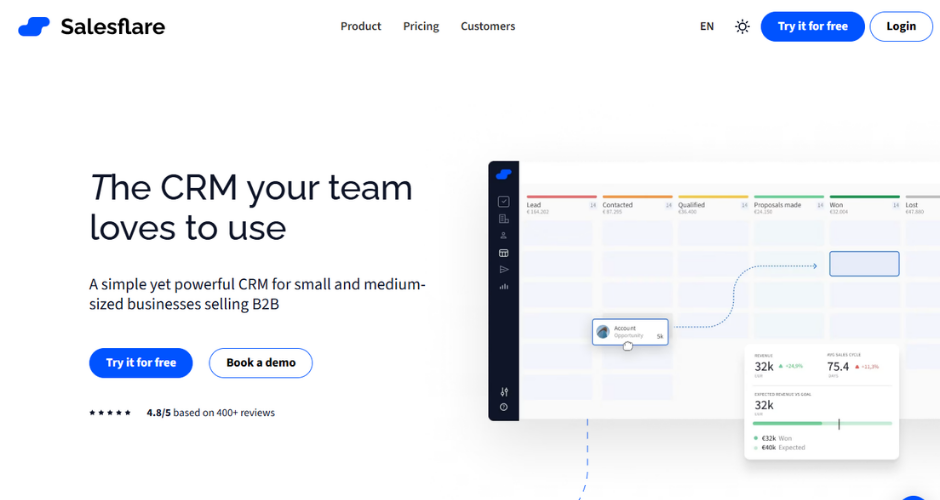
Salesflare‘s entire premise is removing manual data entry, which is the single biggest reason CRMs fail to get adopted by sales teams. Connect Gmail or Outlook and Salesflare scans email signatures, enriches company data from public sources, and logs every email, meeting and call to the right contact automatically. In testing referenced across reviews, this kind of automation has been shown to meaningfully cut the time reps spend on admin, sometimes from the better part of an hour a day down to a fraction of that. The LinkedIn sidebar, which surfaces or creates CRM records with a single click while browsing a profile, is a particularly well-liked touch for outbound-heavy teams.
Where it falls short
Reporting is the most commonly cited weakness, limited to pre-built pipeline reports, revenue forecasting and basic activity metrics, with no support for cohort analysis or custom multi-touch attribution. There’s also no free plan, and Salesflare’s automation-first design means it’s less suited to B2C or omnichannel sales motions that don’t centre on email and LinkedIn.
Consider Salesflare if
Your sales process runs primarily through email and LinkedIn outreach, your team is small (roughly 3 to 20 people), and manual CRM data entry has historically killed adoption on previous tools.
Pricing
Salesflare’s Growth plan starts around $29 to $49 per user per month (billed annually), with Pro around $49 to $64 and Enterprise around $99 to $124 per user per month, the latter requiring a five-user minimum.
Segment

Where the tool shines
Segment, now part of Twilio, isn’t a CRM at all, it’s a customer data platform that sits underneath your sales and marketing stack, collecting first-party event data and routing it to over 700 destinations, from analytics tools to ad platforms to your CRM itself. For RevOps, sales and marketing teams trying to build a single source of truth across a fragmented tool stack, Segment removes the need to build and maintain dozens of point-to-point integrations, and it’s frequently named the market leader in this specific category.
Where it falls short
Segment is developer-first infrastructure, not a plug-and-play sales tool, so it generally needs engineering resources to implement and maintain properly. The free tier is genuinely limited, capped at 1,000 monthly tracked users and just two sources, and several CDP-native capabilities (like Engage for audience activation) sit in higher tiers with custom, often substantial, pricing.
Consider Segment if
Your sales tracking problem is really a fragmented data problem, you have multiple marketing and analytics tools that all need consistent, clean event data, and you have technical resources to implement it properly.
Pricing
Segment offers a free tier for up to 1,000 monthly tracked users, a Team plan starting around $120 per month for up to 10,000 MTUs (scaling with usage), and a custom-priced Business tier for larger organisations.
Triplewhale
Where the tool shines
Triple Whale is built specifically for Shopify-based ecommerce brands that have lost visibility into true attribution since iOS 14.5 broke a lot of platform-reported tracking. Its first-party pixel reconstructs the customer journey across Meta, Google and TikTok, and the Compass measurement framework blends multi-touch attribution, marketing mix modelling and incrementality testing for a more rounded view than any single model on its own. The Moby AI assistant, trained on data from tens of thousands of brands, adds creative-level performance analysis (which ad images or videos are actually converting) that goes well beyond what native ad platform reporting offers.
Where it falls short
Triple Whale is Shopify-only, so it’s simply not an option for brands on WooCommerce, BigCommerce or Magento. Pricing also climbs quickly at higher tiers, and several reviewers note it only really earns its cost once a brand is spending meaningfully on paid media, generally cited as somewhere above $15,000 to $30,000 a month; below that, the cost-to-value ratio gets thin fast.
Consider Triplewhale if
You’re a Shopify brand spending a meaningful amount on paid media each month and need creative-level and channel-level attribution that platform-native reporting can no longer give you accurately.
Pricing
Triple Whale offers a free plan with basic attribution and a 12-month lookback, with the Starter tier around $1,490 a year and Advanced around $2,190 a year; higher tiers scale further based on revenue and feature needs.
Zoho

Where the tool shines
Zoho CRM’s reputation is built on offering a wide range of features at a genuinely low price point. Even the entry-level Standard plan includes multiple pipelines, custom dashboards, forecasting and workflow automation, features some competitors reserve for much higher tiers. The Zia AI assistant adds predictive deal scoring, anomaly detection and next-best-action suggestions, and because Zoho CRM sits inside the wider Zoho ecosystem of 50-plus apps, teams already using Zoho Books or Zoho Desk get a lot of native integration for free.
Where it falls short
Several reviewers note that Zoho rewards teams with the time and patience to configure it properly, and without that investment it can feel overwhelming compared to a more opinionated tool like Pipedrive. The free plan is also fairly basic, limited to three users with no workflow automation or email integration of any depth.
Consider Zoho if
Budget is a primary concern, you’re comfortable with a longer setup process in exchange for lower cost, or you’re already using other Zoho products and want them to talk to each other natively.
Pricing
Zoho CRM is free for up to three users, with Standard from around $14 per user per month, Professional around $23, Enterprise around $40, and Ultimate up to roughly $52 to $57 per user per month, all billed annually.
Is Ruler the right sales tracking software for you?
There isn’t a single “best” sales tracking tool, and we’d be sceptical of anyone who tells you there is. A CRM like Pipedrive or Nutshell solves a very different problem to an attribution platform like Ruler Analytics, and a customer data platform like Segment solves a different problem again.
The honest starting point, based on what we hear most often from marketing leaders and RevOps teams, is to get clear on which gap you’re actually trying to close, whether that’s pipeline visibility, sales activity tracking, or proving which marketing activity is genuinely driving revenue.
For most growing businesses, the realistic answer ends up being a combination, a CRM for day-to-day pipeline management, paired with an attribution layer that connects that pipeline back to the marketing spend behind it.
Book a demo and see how your marketing really influences conversions, sales, and revenue.