
If you run marketing for an ecommerce business, you’ll know the feeling. You close out the month, pull the reports together, and the numbers from Google Ads, Meta, and your analytics platform tell a slightly different story. None quite add up to the revenue that landed in the bank.
From our conversations with marketers, this is one of the most common frustrations we hear. 42% of marketers who use ecommerce tools say they struggle to track it properly, 22.1% say joining up data from different sources is a main challenge, and 23.2% say turning data into something actionable is harder still.
The root cause is that customers rarely convert in one session, and by the time they do, many touchpoints behind that sale have already been forgotten by a standard attribution model. This guide compares the tracking software built to close that gap.
Pro tip
If any of this sounds familiar, it’s worth seeing what your attribution actually looks like once offline conversions, upper-funnel activity, and platform-reported data are pulled into one place. Book a demo with Ruler Analytics and we’ll walk through your own data with you.
Why marketing is harder to measure than ever
If your budget decisions are based on GA4 and platform-reported metrics alone, you’re likely working from an incomplete picture. Here’s what tends to get missed.
Long consideration windows. A customer sees a paid social ad, spends a few weeks researching, visits your site more than once, reads some reviews, comes back through organic search, and eventually buys. Last-click attribution gives all the credit to that final visit and nothing to the channels that spent weeks building the awareness and intent behind it. Upper-funnel activity such as paid social, CTV, display, PR, podcasts, and even offline advertising often shapes the decision long before anyone clicks anything. Without a measurement model that accounts for impression-based influence, those channels look like they’re barely contributing. Budgets get cut, performance dips, and it’s genuinely hard to work out why.
Offline and untracked conversions. Many of the highest-value sales don’t happen through a simple online checkout. Customers call your sales team, reply to an email, visit a showroom, speak to someone at an event, or complete their purchase some other offline way. Existing customers often skip digital channels altogether and get in touch directly. When those conversions aren’t connected back to the marketing that actually influenced them, some of your best revenue simply disappears from your attribution model. Digital campaigns look weaker than they really are, offline activity looks disconnected from marketing entirely, and the channels doing the heavy lifting get the least credit for it.
Platform reporting that doesn’t add up. Google, Meta, LinkedIn, TikTok, and the rest each report conversions within their own attribution windows, and none of them account for what the others are claiming. Add the reported conversions together and you’ll often find they exceed your actual sales for the period. It’s not necessarily that any single platform is wrong, it’s that each one is measuring performance from its own vantage point. The problem is that a lot of budget decisions still get made from these individual reports rather than from one consolidated, trustworthy source of truth.
This is exactly the gap that ecommerce tracking software is designed to close, and it’s why we’ve put this guide together.
Our definition of ecommerce tracking software
When we talk about ecommerce tracking software, we mean any platform that helps you capture, connect, and make sense of the customer journey behind your online sales, from the first ad impression or website visit through to the transaction itself, and often beyond it.
That’s a broad definition on purpose, because the category itself is broad. Some tools, like Google Analytics, focus on capturing behavioural and transactional data from your website. Others are built around product usage and in-app events. Some focus purely on how people interact with individual pages. And others, like Ruler Analytics, sit further up the stack, connecting first-party tracking data to your CRM and ad platforms so you can attribute revenue back to the marketing that actually drove it.
What we recommend keeping in mind is that the right tool depends on what you’re actually trying to answer. If you want to know how people behave on your site, a behavioural or web analytics tool will get you there.
If you want to know which marketing is actually responsible for your revenue, including the parts that never touch a checkout page, you need something built for attribution specifically.
That distinction is where a lot of ecommerce businesses lose time, and it’s the lens we’d encourage you to use as you work through the options below.
What we recommend looking for in ecommerce tracking software
Based on the conversations we’ve had with ecommerce and marketing teams evaluating this space, a handful of things tend to separate the platforms that genuinely help from the ones that just add another dashboard to check.
First-party data collection. Third-party cookies are becoming less reliable by the year, and browser and privacy changes are only accelerating that. Tools that rely on first-party tracking hold up better over time and give you a more complete, more durable picture of the customer journey.
Multi-touch attribution, not just last-click. If a tool can only tell you which channel got the final click, it’s going to consistently undervalue the upper-funnel activity that built the demand in the first place. Look for platforms that support several attribution models, ideally including data-driven attribution and impression modelling.
Offline and non-checkout conversion tracking. Calls, live chat, email replies, and in-person conversations are all part of the customer journey for a lot of ecommerce and DTC brands, particularly higher-ticket ones. A tool that only tracks what happens in the checkout flow will always be missing a slice of your revenue.
CRM and ad platform integrations. Tracking data is only useful once it’s connected to where decisions actually get made, whether that’s your CRM, your ad accounts, or your reporting stack. Two-way integrations, where enriched data flows back into your ad platforms, tend to have the biggest impact on performance.
Forecasting and budget planning, not just reporting. A lot of platforms are excellent at telling you what already happened. Fewer help you plan what to do next. If you’re regularly making budget decisions, tools that support scenario planning or marketing mix modelling are worth the extra look. We’ve written more on how marketing mix modelling and budget allocation work together if you want to go deeper on this one.
Ease of implementation. Some of the tools in this guide take an afternoon to set up. Others need a dedicated analyst and weeks of configuration before you see anything useful. Be honest with yourself about the internal resource you actually have before committing.
Ecommerce tracking software reviewed for 2026
Here’s how the main ecommerce tracking software options compare in 2026 and beyond
1. Ruler Analytics
What we’ve designed it to solve
Ruler Analytics exists to close the gap between marketing activity and revenue. Most attribution tools stop at the lead or the click. Ruler goes further and matches every enquiry, whether that’s a form fill, a phone call, or a live chat conversation, to CRM records and closed revenue, so you can see which channels, campaigns, and keywords are actually driving sales rather than just conversions.
Ruler tracks calls, form submissions, live chat, and other key conversion types using a first-party JavaScript tag that follows the full customer journey from first visit through to revenue. Because it’s first-party, it isn’t degraded by the privacy changes affecting third-party cookies, which gives you a tracking foundation that should hold up as the landscape keeps shifting.
On top of that first-party tracking layer, Ruler layers in marketing mix modelling and data-driven attribution. The click path data from your tracking gives you the underlying customer journey, and machine learning alongside statistical modelling is what improves the modelling, forecasting, and budget allocation on top of it. The two work together rather than in isolation, click data grounds the model in what actually happened, and the modelling fills in the upper-funnel influence that click paths alone would miss.
You can compare attribution models side by side, including first click, last click, linear, position-based, time decay, and data-driven, and ROAS reporting is available down to channel, campaign, ad group, ad, and keyword level. The data-driven attribution model specifically combines click-path data with marketing mix modelling-derived impression weightings, so credit shifts away from over-attributed channels like direct and brand search and towards the upper-funnel activity, such as CTV, display, and video, that influenced the decision without ever earning a click.
Beyond attribution, Ruler’s marketing mix modelling measures the impact of every channel, digital and offline, including TV, radio, and print, using both historical performance and forward-looking forecasts. It accounts for seasonality, competitor activity, economic conditions, and diminishing returns across more than 30 variables at once, which is a level of insight that no single platform can give you on its own. The budget scenario planner then lets you model efficiency, growth, or custom budget scenarios before you actually commit spend, using diminishing return curves to show where each channel is approaching saturation and where extra investment is likely to pay off.
Ruler also ingests data from your ad platforms, CRM, and other business systems, and pushes enriched attribution data back out. CRM records get updated with source, campaign, and journey data, while ad platforms receive offline conversion and revenue signals that improve bidding and audience targeting. The attribution data doesn’t just sit in a report, it actively feeds back into how your campaigns perform.
Where we see it work best
From what we’ve seen across the leads we’ve tracked, Ruler tends to work best for ecommerce and lead generation businesses with a mix of online and offline conversion paths, longer or considered sales cycles, and marketing budgets spread across several channels including some upper-funnel or offline activity. It’s a strong fit for teams who are tired of last-click attribution understating the channels that actually build demand.
Consider Ruler if
You want to see revenue, not just conversions, attributed back to marketing. You have conversions happening outside the checkout, such as calls, live chat, or sales conversations. You’re investing in upper-funnel or offline channels and want credit where it’s actually due. You need to plan and defend budget decisions with forecasting rather than guesswork.
Pricing
Ruler Analytics doesn’t publish flat self-serve pricing, since packages are typically built around your traffic volume, conversion types, and integration needs. The best way to get an accurate figure is to book a demo and talk through your setup with the team directly.
2. Adobe Analytics
Where the tool shines
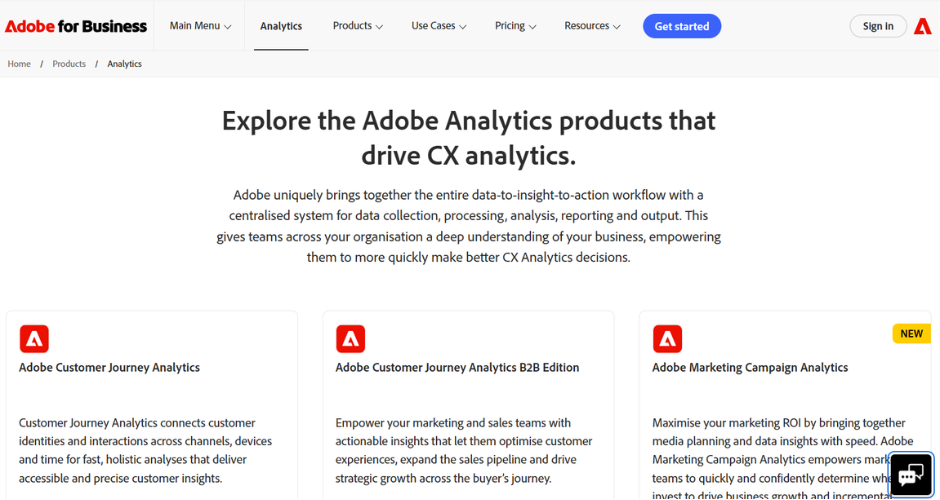
Adobe Analytics is built for large, complex, high-traffic organisations that need granular, unsampled data and heavy customisation. It offers real-time behavioural data collection across web and mobile, relational clickstream processing, and AI-assisted analysis to help spot anomalies and friction points across digital journeys. It integrates deeply with the rest of the Adobe Experience Cloud, which makes it a natural fit for enterprises already invested in that ecosystem, particularly where Customer Journey Analytics is part of the plan.
Where it falls short
The complexity that makes Adobe Analytics powerful is also what puts a lot of teams off. Reviewers consistently point to a steep learning curve, a significant setup effort, and a real dependency on trained analysts or implementation partners to get real value out of it. For smaller ecommerce businesses without a dedicated analytics resource, it’s often more platform than they need, and lighter tools tend to be a better fit.
Pricing
Adobe Analytics uses custom, quote-based pricing rather than published list prices. Costs depend on monthly data volume, the number of digital properties, required features, user seats, and contract length, with budgets typically starting in the tens of thousands of dollars annually. You’ll need to contact Adobe sales for an actual quote.
3. Amplitude
Where the tool shines
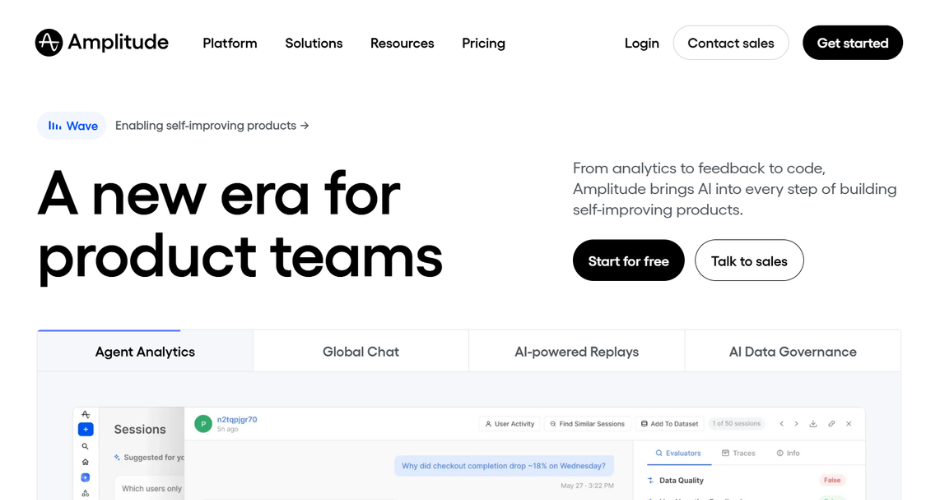
Amplitude is a product analytics platform built around understanding user behaviour inside digital products, covering event segmentation, funnel analysis, retention analysis, journeys, and behavioural cohorts. Its data model, built around a defined schema of events and properties, helps keep tracking consistent across teams, and its CLI Setup Wizard can read your codebase and suggest what to track rather than starting from a blank page. For ecommerce brands with a strong app or product component, it’s genuinely strong at answering behavioural questions that traditional web analytics tools can’t.
Where it falls short
Amplitude’s real strength is product behaviour, not marketing attribution or ecommerce revenue reporting, so teams whose primary need is measuring marketing performance often find it thinner than purpose-built alternatives in that specific area. The implementation and learning curve of a full Amplitude setup can also be a genuine blocker without a dedicated analytics owner in place, and pricing can escalate quickly once you’re past the free tier.
Pricing
Amplitude offers a free Starter plan for smaller-scale use. The Plus plan starts at roughly $49 to $61 a month depending on usage, scaling with monthly tracked users. Growth and Enterprise pricing is negotiated directly with Amplitude’s sales team and can run from the low tens of thousands to well over $100,000 a year for larger deployments.
4. Google Analytics 4
Where the tool shines
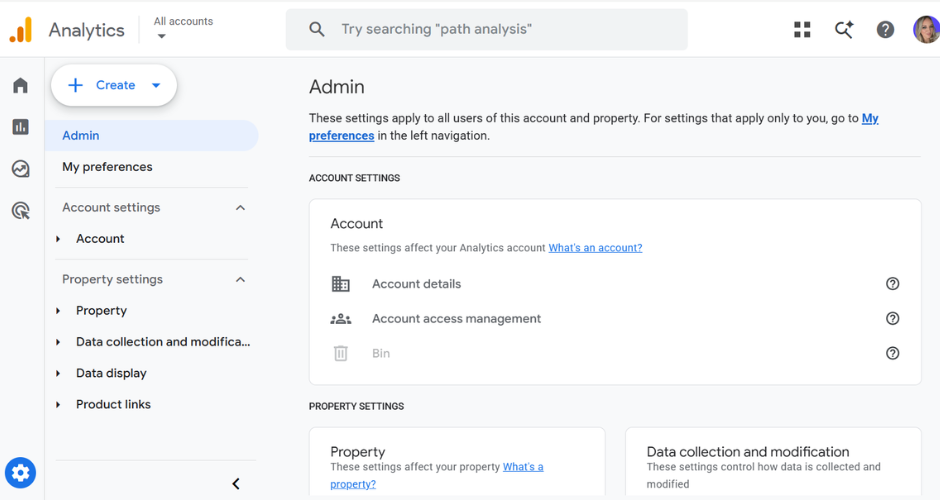
GA4 is the default starting point for most ecommerce businesses, and for good reason. It offers event-based tracking across web and app, ecommerce and revenue reporting, funnel and path exploration, audience segmentation, and native export into BigQuery, alongside integrations with Google Ads, Search Console, and Looker Studio. Its generous free tier covers the needs of most small and mid-sized businesses without any spend at all.
Where it falls short
GA4 still leans heavily on last-click and rules-based attribution logic for a lot of standard reporting, which means the upper-funnel and offline conversion problems we covered earlier apply here as much as anywhere. Reviewers also point to a genuinely steep learning curve and a more complex interface since the shift from Universal Analytics, and data sampling can kick in on more advanced Explorations once you’re dealing with high event volumes.
Pricing
The standard GA4 platform is free. For large enterprises needing higher limits, unsampled data, and advanced integrations, Google Analytics 4 360 is available on a custom, usage-based model, with public estimates generally starting from around $50,000 a year.
5. Matomo
Where the tool shines
Matomo is a privacy-first alternative to Google Analytics, offering real-time reporting, conversion and campaign tracking, and full data ownership, either self-hosted or via Matomo Cloud. It’s designed for GDPR, CCPA, and PECR compliance out of the box, supports cookieless tracking, and covers ecommerce tracking, event tracking, heatmaps, and A/B testing depending on plan. For businesses that need strict data residency or want to avoid sending data to a third party altogether, it’s one of the strongest options available.
Where it falls short
Some reviewers note that the interface and reporting feel a step behind the more polished commercial tools, and advanced features such as heatmaps, session recording, and A/B testing are either cloud-only or require paid plugins on self-hosted installs. Self-hosting also means you’re responsible for your own infrastructure and maintenance, which is a real consideration for smaller teams.
Pricing
Self-hosted Matomo is free and open source, with premium features and cloud hosting available as paid add-ons. Matomo Cloud starts at around €19 to €29 a month for smaller sites, scaling up through Business and Enterprise tiers based on traffic volume.
6. Microsoft Clarity
Where the tool shines
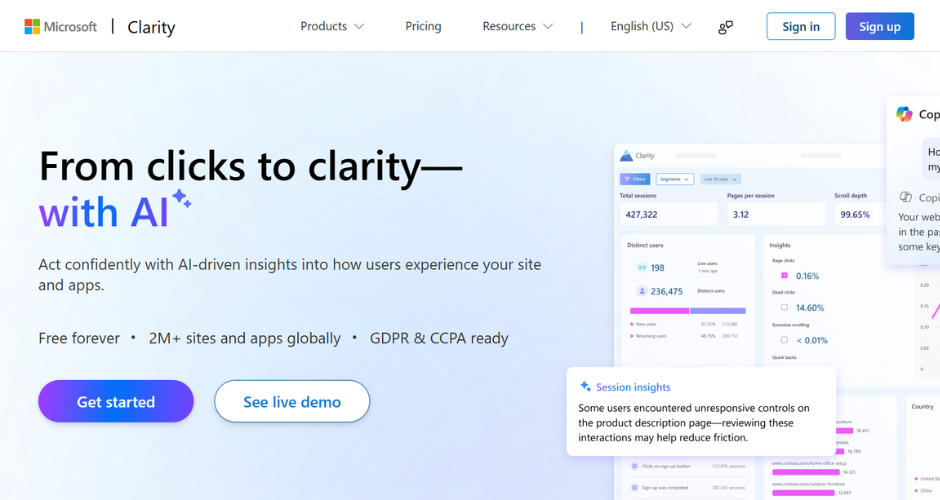
Microsoft Clarity is a free behavioural analytics tool that captures heatmaps and session recordings so you can watch how visitors actually move through your site. It includes AI-generated session summaries via Copilot, frustration detection, and mobile analytics across Android, iOS, Flutter, and React Native, with no cap on the number of sessions you can record. For ecommerce teams trying to spot friction in the checkout flow without spending anything, it’s hard to beat on value.
Where it falls short
Clarity is a behavioural and UX tool rather than a full analytics or attribution platform, so it doesn’t cover conversion tracking, revenue attribution, or marketing performance reporting on its own. It’s best treated as a complement to a proper analytics or attribution set-up rather than a replacement for one.
Pricing
Microsoft Clarity is completely free, with every feature, including heatmaps, session recordings, and AI summaries, available at no cost.
7. Mixpanel
Where the tool shines
Mixpanel is an event-based product analytics platform that tracks specific user actions rather than just pageviews, which makes it well suited to understanding feature usage, purchase steps, and retention inside a product or app. Its self-serve interface lets product and growth teams build funnels and cohort analyses without needing to write SQL, and its free tier, covering up to a million events a month, is one of the more generous entry points in the category.
Where it falls short
Like Amplitude, Mixpanel is built around product behaviour rather than marketing attribution, so ecommerce teams focused on measuring channel performance and revenue often find it’s solving a different problem to the one they actually have. Its event-based pricing can also become expensive as volume grows, and several genuinely useful features, such as group analytics and data pipelines, sit behind paid add-ons on top of the base plan.
Pricing
Mixpanel offers a free plan covering up to a million events a month. The Growth plan includes the first million events free, then usage-based pricing of roughly $0.28 per 1,000 events. Enterprise pricing isn’t published and requires contacting sales.
8. Polar Analytics
Where the tool shines
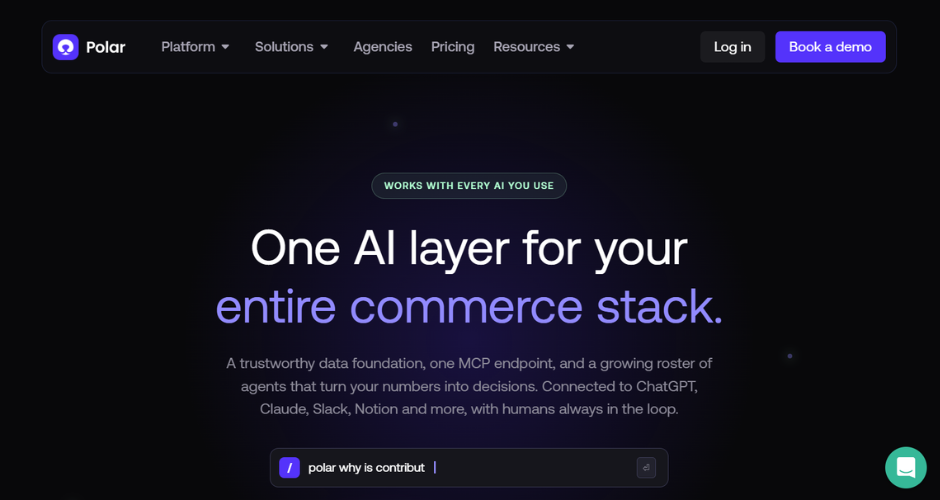
Polar Analytics is a business intelligence platform built specifically for Shopify and DTC ecommerce brands, pulling data from Shopify, ad platforms, and Klaviyo into pre-built ecommerce dashboards and metrics. It includes multi-touch attribution, cohort and retention analysis, and dedicated Snowflake warehouse access for teams that want raw data access without building their own infrastructure. For Shopify-first brands that want ecommerce-native reporting without hiring a data team, it’s a genuinely strong fit.
Where it falls short
Polar’s focus on ecommerce is also its limitation, since it’s less flexible outside that domain than a general BI tool would be. Its GMV-based pricing model means costs climb as your store grows, and some of its more advanced features, such as pixel attribution and Snowflake access, are reserved for higher tiers once a brand crosses roughly the $5 million GMV mark.
Pricing
Polar Analytics uses GMV-based, custom pricing rather than a flat published rate. Entry-level plans have started at around $300 to $750 a month depending on store size, with enterprise pricing quoted individually.
Getting your ecommerce tracking right
Most ecommerce businesses end up running more than one tool from this list rather than picking a single winner, and that’s normal. GA4 or Matomo for baseline web analytics, Clarity for behavioural insight, and Mixpanel or Amplitude for product usage all have their place.
But if the problem you’re actually trying to solve is connecting marketing spend to real revenue, including the offline conversions, the long consideration windows, and the upper-funnel channels that last-click attribution keeps undervaluing, that’s the gap Ruler Analytics was built to close.
From what we’ve found in our own conversations with marketers, the businesses that get the most value out of ecommerce tracking software are the ones that stop treating attribution as an afterthought and start using it to actually plan budget. If that sounds like where you want to get to, book a demo with Ruler Analytics and we’ll show you what your own customer journeys and marketing mix look like once the full picture is in view.